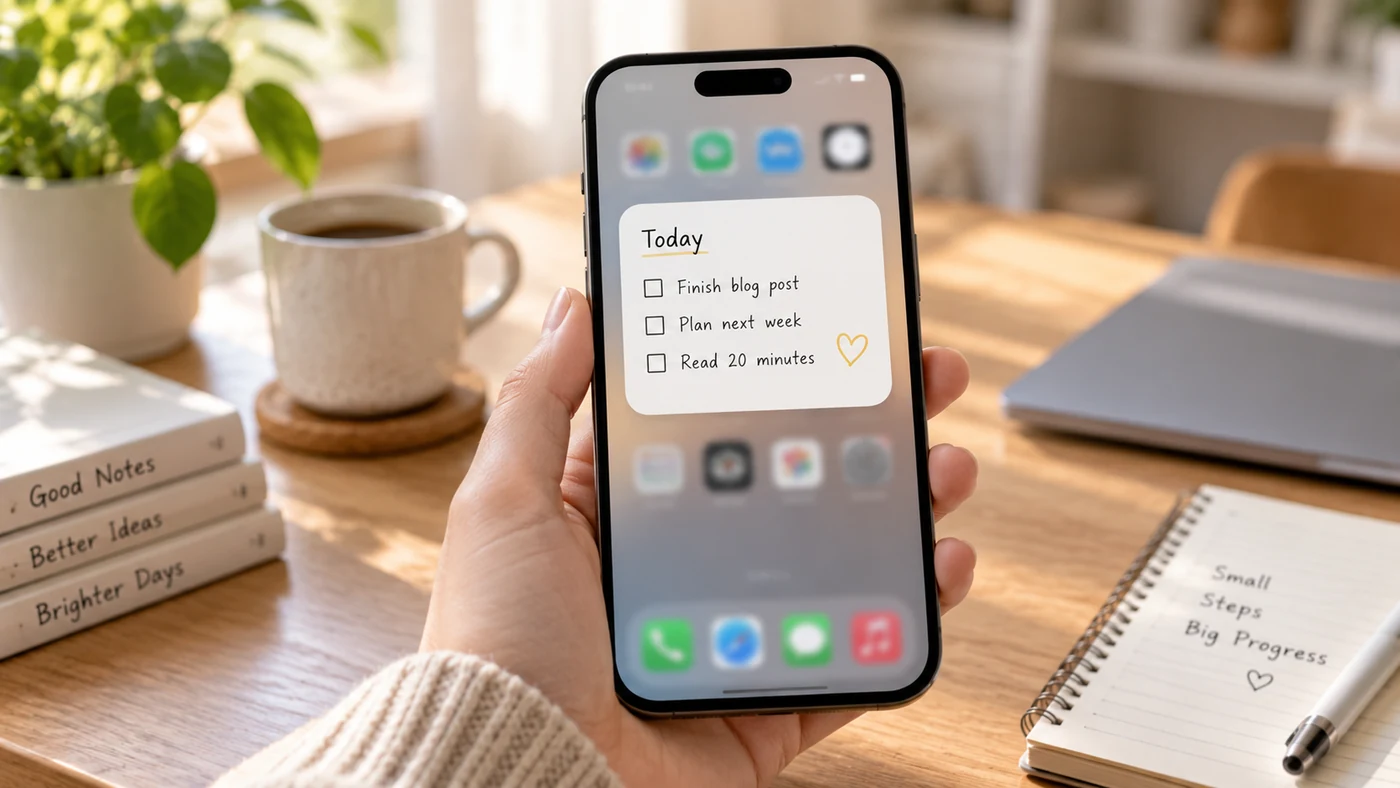
The best notes app for iPhone is the one you can open quickly, trust with important information, and find your way around a week later. Compare reminder options, widgets, private-note controls, sync, and organization before choosing an app for everyday capture.
What Matters Most on an iPhone
An iPhone notes app has a different job from a long-form writing or study app. The best option for you should make it easy to capture an idea in seconds, retrieve it later, and protect it when needed.
| Need | Feature to prioritize |
|---|---|
| Quick reminders | Fast reminder creation and notifications |
| Home Screen access | A useful widget or shortcut |
| Private information | Note locking or app-level protection |
| Notes on several devices | Reliable sync and backup |
| Everyday organization | Search, folders, tags, or categories |
1. Apple Notes: Best Built-In Choice for Apple Users
Apple Notes is a strong starting point if you already use iPhone, iPad, or Mac. It supports tags and Smart Folders, which can automatically gather notes by tag, creation date, or last-edited date.[2]
It also lets you lock eligible notes using a device passcode or a custom password, with Face ID or Touch ID as an access option.[3] However, Apple notes that some notes cannot be locked, including notes with certain attachments, tags, or sharing settings.[3]
Choose Apple Notes if: you want a built-in option for typed notes, lists, folders, tags, and Apple-device workflows.
Consider another app if: you need a different reminder system or more flexible cross-platform habits.
For a wider framework for comparing note apps, see our guide to the best note-taking apps.
2. Google Keep: Best for Timed Reminders
Google Keep works well for short notes that need a time-based nudge. Google’s iPhone and iPad help documentation says you can add a timed reminder to a note, choose a date and time, and set recurrence; the reminder can be viewed through Keep, Google Calendar, and Google Tasks.[4]
That makes it useful for shopping reminders, follow-ups, and quick prompts. It is less suited to people who want deep notebook structures or detailed private-note controls.
Choose Google Keep if: reminders are more important than long, structured notes.
Consider another app if: you need a fuller archive for work, study, or sensitive personal information.
3. Notion: Best for Structured Pages and Widgets
Notion is useful when your notes are connected to projects, databases, or reference pages. Its iOS widget can open a chosen page, database, favorites, recent pages, or Notion AI shortcuts from the iPhone Home Screen.[5]
Notion also supports reminders in pages and can send a mobile push notification around the reminder time.[6] The trade-off is that it can feel heavier than a simple notes app when all you need is a fast grocery item or a one-line thought.
Choose Notion if: your notes need to connect to structured projects or databases.
Consider another app if: speed and low-friction capture matter more than workspace customization.
4. A Lightweight Option for Everyday Notes
EasyNotes is a practical choice when you want a lightweight place for everyday text notes, checklists, images, voice notes, and handwriting. Its official site says it supports cloud sync and backup across devices, while its note reminders and widget make it useful for tasks and details you need to revisit.[1]
It also supports tags and categories, full-text search, and locking individual notes or categories. That combination suits people who want one app for errands, family plans, quick work reminders, and personal notes without turning every note into a large project.
Choose this option if: you want quick capture, recurring reminders, private notes, and an everyday organization system.
Consider another app if: you need a workspace built around large databases.
A Quick Way to Choose
- Choose the lightweight everyday option above for reminders, widgets, search, and private notes.
- Choose Apple Notes for a built-in Apple-device workflow with tags and Smart Folders.
- Choose Google Keep for short notes with timed, recurring reminders.
- Choose Notion for structured pages, databases, and Home Screen access.
If privacy is your deciding factor, review the exact protection options before moving sensitive material. Our guide to locking notes explains what to consider. If you use more than one device, build a clear backup habit with our guide to syncing and backing up notes.
Do Not Choose by Feature Count Alone
The search results for this topic surface apps for different kinds of work: lightweight capture, handwritten study, meeting notes, structured projects, and Markdown-style writing. That is a useful warning against a single universal winner. If you mainly write by hand or annotate study material, compare specialist apps such as Goodnotes and Notability separately; if you mostly capture errands and follow-ups, start with the faster options in the table above.
Before paying for a handwriting-focused app, test the exact free-plan limits and the device support you need. Goodnotes, for example, has a free plan with document, storage, and usage limits, while its paid plans and availability vary by platform and region.[7]
Frequently Asked Questions
What Is the Best Note-Taking App for iPhone?
There is no single best app for every iPhone user. Choose Apple Notes for a built-in Apple-device workflow, Google Keep for short time-based prompts, Notion for project pages and databases, or the lightweight everyday option above for reminders, widgets, search, and private-note controls.[1][2][4][5][6]
Conclusion
Choose an iPhone notes app by the action you need most often: reminders, fast capture, private storage, structured projects, or cross-device access. The simpler the app feels for that repeated action, the more likely your notes will stay useful.
References
- EasyNotes. "EasyNotes: Simple Note Taking App for Everyday Life"
- Apple Support. "Use Tags and Smart Folders in Notes on Your iPhone and iPad"
- Apple Support. "Lock Your Notes on iPhone"
- Google Keep Help. "Set Up Reminders for Your Notes"
- Notion Help. "Mobile Widgets"
- Notion Help. "Set Reminders in Notion"
- Goodnotes Support. "Compare Goodnotes Plans"