A sticky note is a small, movable prompt you can put exactly where you'll see it — on a monitor, a fridge, a notebook. Done right, that visibility is the whole point. Here are sticky-note ideas for studying, planning, and habits, and how to keep the same system in your notes app.
Why Sticky Notes Work
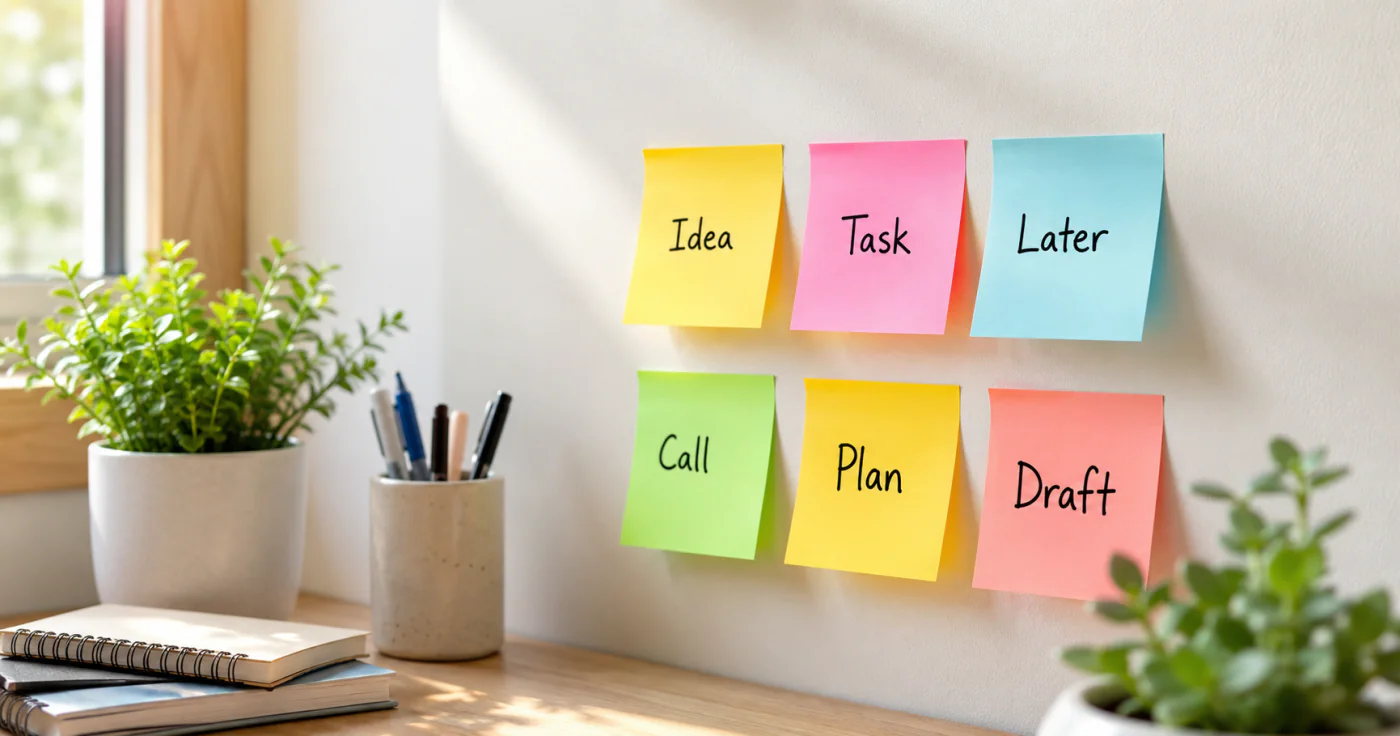
A sticky note wins by being impossible to ignore. Put a task on a screen you glance at all day and it competes with nothing — it's just there. Color also does quiet work: yellow for key tasks, red for deadlines, green for progress, blue for creative thinking[2]. And because you can move a note from "to do" to "done," the system gives you a small, visible win every time you finish something.
Sticky Note Ideas by Use
- Study and memory. Write a question on a note and stick it where you'll see it often; recalling the answer is active recall, a technique shown to boost retention[2]. Use one note per term, or build flashcards with a question on the front and the answer on the back.
- Task board. One note per task, arranged in "To do / In progress / Done" columns — a pocket Kanban board on your wall[1].
- Habit nudges. A single note by your bed or kettle ("Read 10 minutes") is a quiet behavioral cue you'll actually notice.
- Labels and reminders. Mark folders, cables, or shelves so the right thing is findable at a glance.
A Simple Sticky System
- One note per task. If a note holds three jobs, none of them gets done.
- Color by type. Deadlines red, ideas blue, done green — so a glance tells you the state.
- Move, don't rewrite. Shift the note across columns as work progresses; the motion is the tracking.
- Review daily. Pull completed notes down, and re-spot anything still stuck in "to do."
Kanban columns, color coding, and flashcard-style notes are the methods teachers and productivity writers keep coming back to, because they turn a flat list into something you can see and rearrange[1].
Keep the Same System on Your Phone
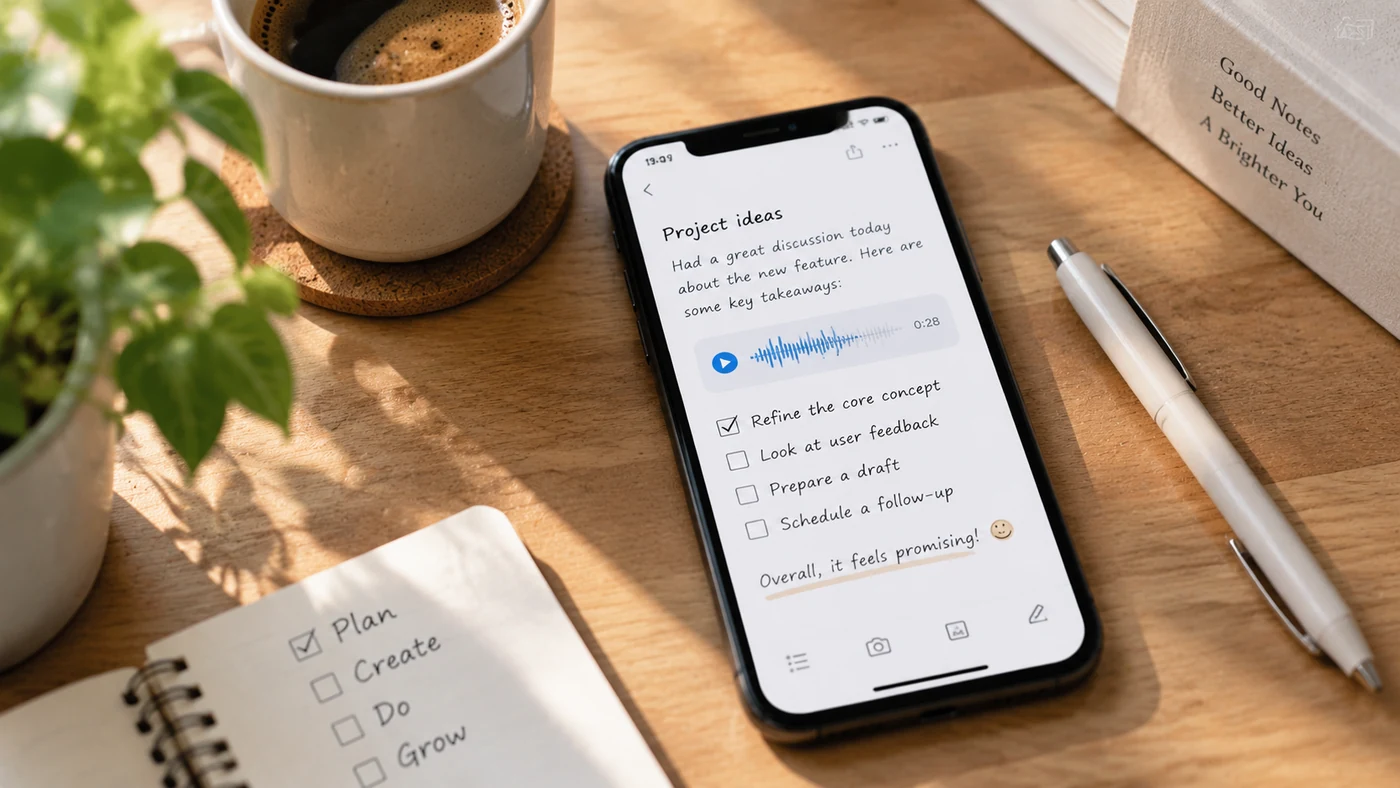
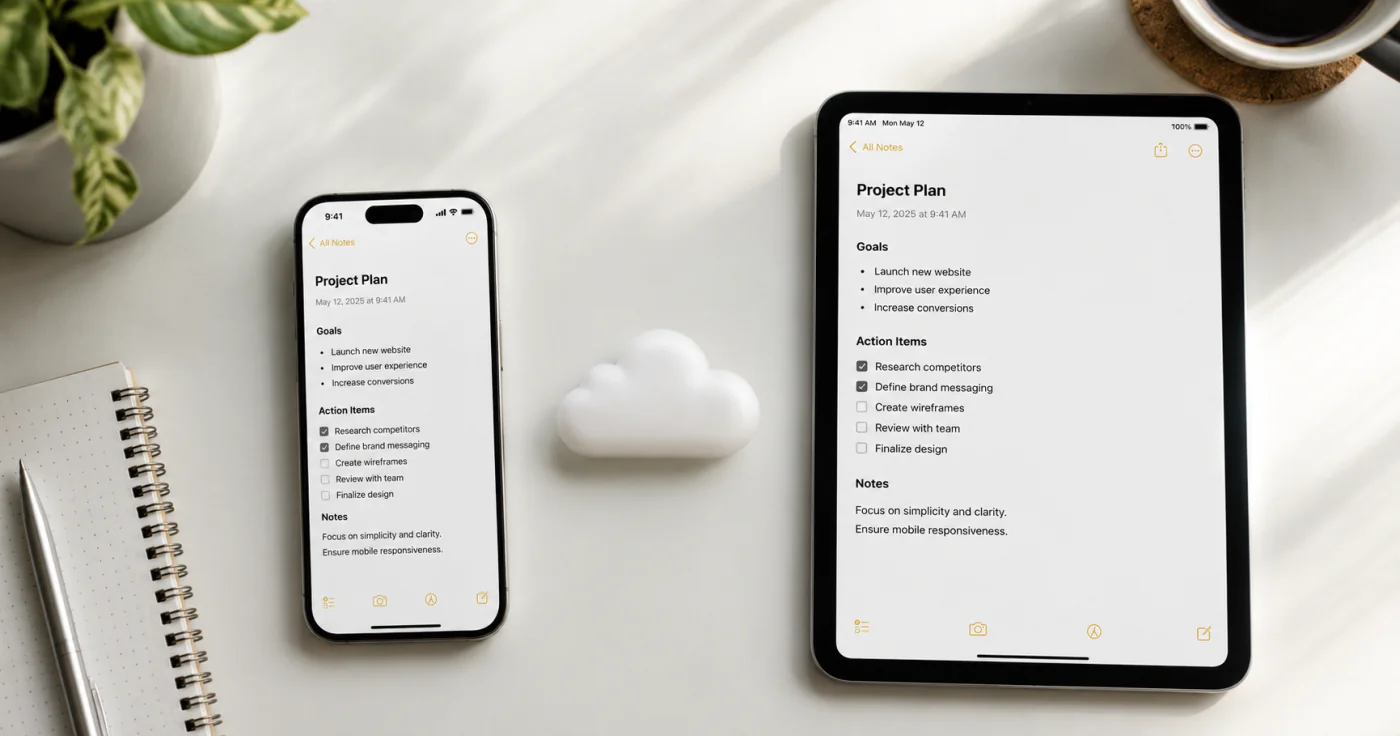
A notes app such as EasyNotes lets you keep a sticky-style board on your phone — one checklist per task, color through tags, and a widget so your reminder for the day stays on screen. You get the same visibility as a note on the monitor, but it follows you instead of staying on one wall.
FAQ
Studing (one note per term, flashcards for active recall), task boards (a "to do / in progress / done" Kanban on the wall), habit nudges by your bed or kettle, and labels for folders or cables. The key is visibility — put the note where you'll actually see it.
They support active recall: write a question or term on a note and place it where you'll see it often, then recall the answer. Color coding by subject and flashcard-style front/back notes also make review more visual and easier to retain.
Yes, mainly through visibility and momentum. A task board you can see all day reduces "what was I doing?" drift, and moving a note to "done" gives a small dopamine hit that keeps you going. Color coding helps you spot priorities at a glance.
Yes. Notes apps let you keep the same board on your phone — one checklist per task, color through tags, and a home-screen widget for the day's reminder. It's the sticky-note system without the paper, and it follows you across devices.
Conclusion
Sticky notes work because they're visible and movable. Use one note per task, color by type, and move notes across a simple board instead of rewriting them. Whether on a wall or in a notes app, the system turns a flat list into something you can see, rearrange, and finish.
References
- Formación y Estudios. "How to use post-its to study and improve memory"
- Implant Media. "The Power of Sticky Notes: How Post-its Boost Your Productivity"