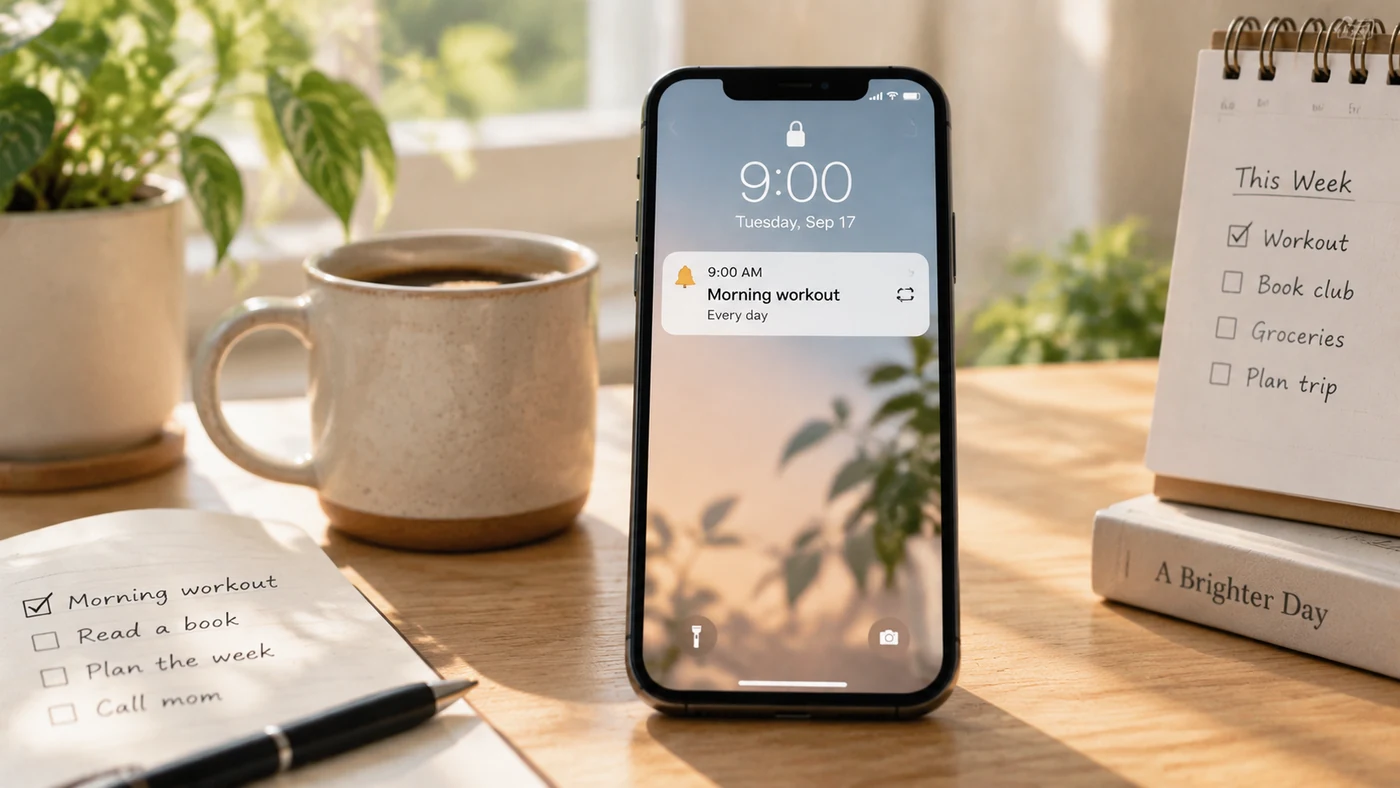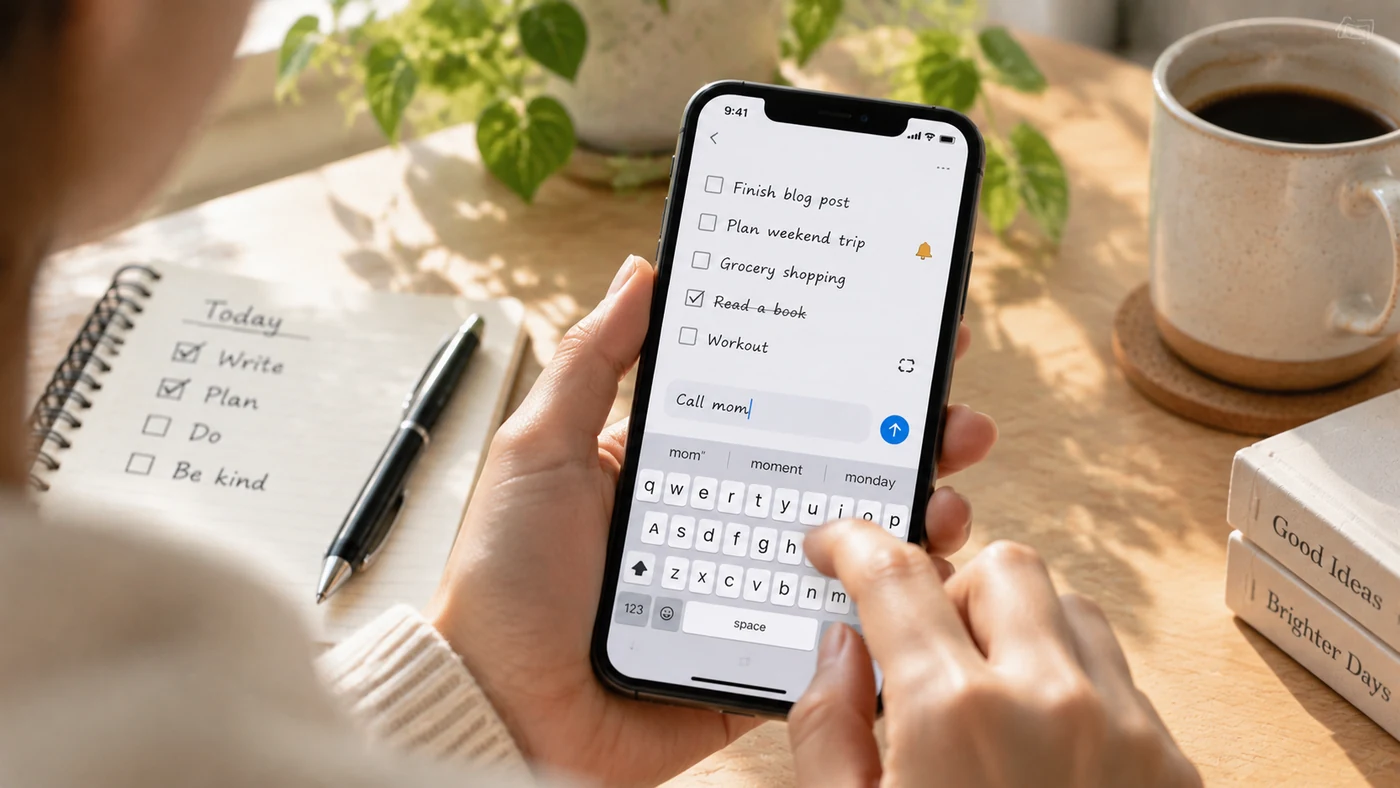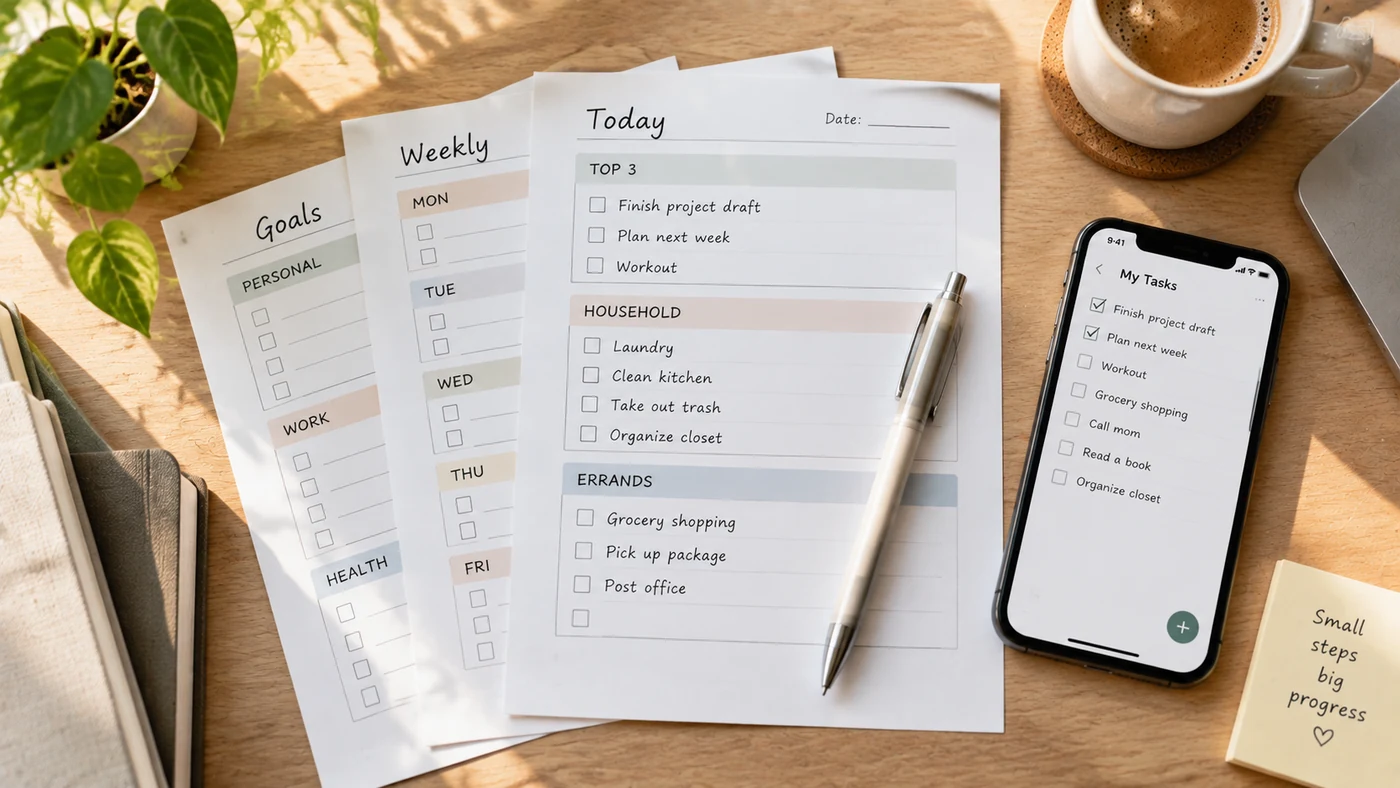
Use these free to-do list templates when you need a page you can copy, edit, or print right away. Each template below solves a different task: planning a day, sorting work by priority, coordinating household jobs, making a minimal paper checklist, or tracking a digital list with checkboxes. Copy the version that matches your situation, delete anything you do not need, and try it for one real day before building a more elaborate system.
Free template providers commonly offer downloadable, editable, and printable formats, but their account and export rules can vary. [1][2][3] The templates on this page are original plain-text layouts: you can copy them into a note, document, or paper layout without relying on a third-party template library.
1. Daily to-do list template
Use it for: A normal workday, study day, or busy personal day when you need a short plan and a stopping point.
Copy version:
DATE:

TODAY'S TOP 3
[ ]
[ ]
[ ]

OTHER TASKS
[ ]
[ ]

ONE THING TO MOVE FORWARD

END-OF-DAY NOTE
Printable version:
Date: ______________________________

Top 3
☐ _________________________________
☐ _________________________________
☐ _________________________________

Other tasks
☐ _________________________________
☐ _________________________________

One thing to move forward: __________
____________________________________
For more ways to shape a repeatable daily list, see Daily Checklist Ideas.
2. Work-priority template
Use it for: A day with competing deadlines, messages, meetings, and follow-up work.
Copy version:
DATE:

MUST FINISH TODAY
[ ] Task:
    Next action:
    Deadline or meeting:

IMPORTANT, NOT URGENT
[ ]
[ ]

WAITING FOR / FOLLOW UP
[ ] Person or team:
    Next check-in:

CAN WAIT
[ ]
Printable version:
Date: ______________________________

Must finish today
☐ Task: ____________________________
  Next action: _____________________

Important, not urgent
☐ _________________________________
☐ _________________________________

Waiting for / follow up
☐ _________________________________
Use this layout to choose the next action, not to record every possible obligation. How to Plan Your Day can help you turn the list into a realistic day plan.
3. Household to-do list template
Use it for: A personal household reset or a list that you will manually share with another person.
Copy version:
WEEK OF:

HOME
[ ]
[ ]

ERRANDS
[ ]
[ ]

SHOPPING
[ ]
[ ]

CALLS / APPOINTMENTS
[ ]
[ ]

DONE THIS WEEK
[ ]
Printable version:
Week of: ___________________________

Home                 Errands
☐ _______________    ☐ _______________
☐ _______________    ☐ _______________

Shopping             Calls / appointments
☐ _______________    ☐ _______________
☐ _______________    ☐ _______________
If several people must edit one list at the same time, choose a tool with verified shared-editing behavior rather than assuming a copied note will update for everyone.
4. Minimal printable checklist template
Use it for: Packing, errands, a quick reset, or any one-time task that should fit on a small sheet of paper.
Copy version:
LIST TITLE:

[ ]
[ ]
[ ]
[ ]
[ ]
[ ]
[ ]
[ ]
Printable version:
Title: _____________________________

☐ __________________________________
☐ __________________________________
☐ __________________________________
☐ __________________________________
☐ __________________________________
☐ __________________________________
☐ __________________________________
☐ __________________________________
Keep the title specific, such as “Saturday errands” or “Carry-on packing,” so the sheet has one clear job.
5. Digital checkbox template
Use it for: A living list you will update on a phone or computer throughout the day.
Copy version:
- First task
- Next task
- Follow-up
- Optional task
- Review before ending the day
Printable version:
☐ First task
☐ Next task
☐ Follow-up
☐ Optional task
☐ Review before ending the day
For a broader method of deciding what belongs on any list, see How to Make a To-Do List.
Conclusion
Choose the template that reflects the next task you need to complete, not the most detailed layout on the page. Copy one template, use it for a real day or week, then remove fields that you skip and keep the ones that help you act.
If you want to keep a template as a personal digital note, EasyNotes can be a natural fit: manually copy the text into a note, use checklists, organize it with tags or categories, and add a reminder to that note. EasyNotes is not presented here as a template library or one-click template-import tool.