A to-do list is a written or digital record of tasks you need to finish. Making one takes about ten minutes, and a well-built list turns vague intentions into concrete actions, cuts the "what should I do next?" loop, and gives you a visible record of progress. Below, we'll cover how to make a to-do list step by step and a copyable version you can start from today.
Why Most To-Do Lists Fail
Most lists don't fail because you're lazy — they fail because they're built wrong. The usual culprits: too long (a 30-item list is a backlog, not a plan), no priorities (everything looks equally urgent), no dates (tasks drift forever), and vague items ("plan trip" isn't a task — "book flight" is). A good list fixes each of these on purpose.
How to Make a To-Do List: Step-by-Step
- Brain-dump everything first. Get every task out of your head and into one place — work, errands, calls, someday ideas. You can't organize what you can't see.
- Make each item a concrete action. Rewrite "budget stuff" as "draft Q3 budget slide." A task should start with a verb and pass the "could someone else do this from the description?" test.
- Break big items into smaller ones. Anything over about 30 minutes is a project. Split "plan vacation" into "pick dates," "compare flights," "book hotel."
- Prioritize. Mark your top one to three Most Important Tasks (MITs) — the things that make the day a win if nothing else gets done. Everything else is secondary.
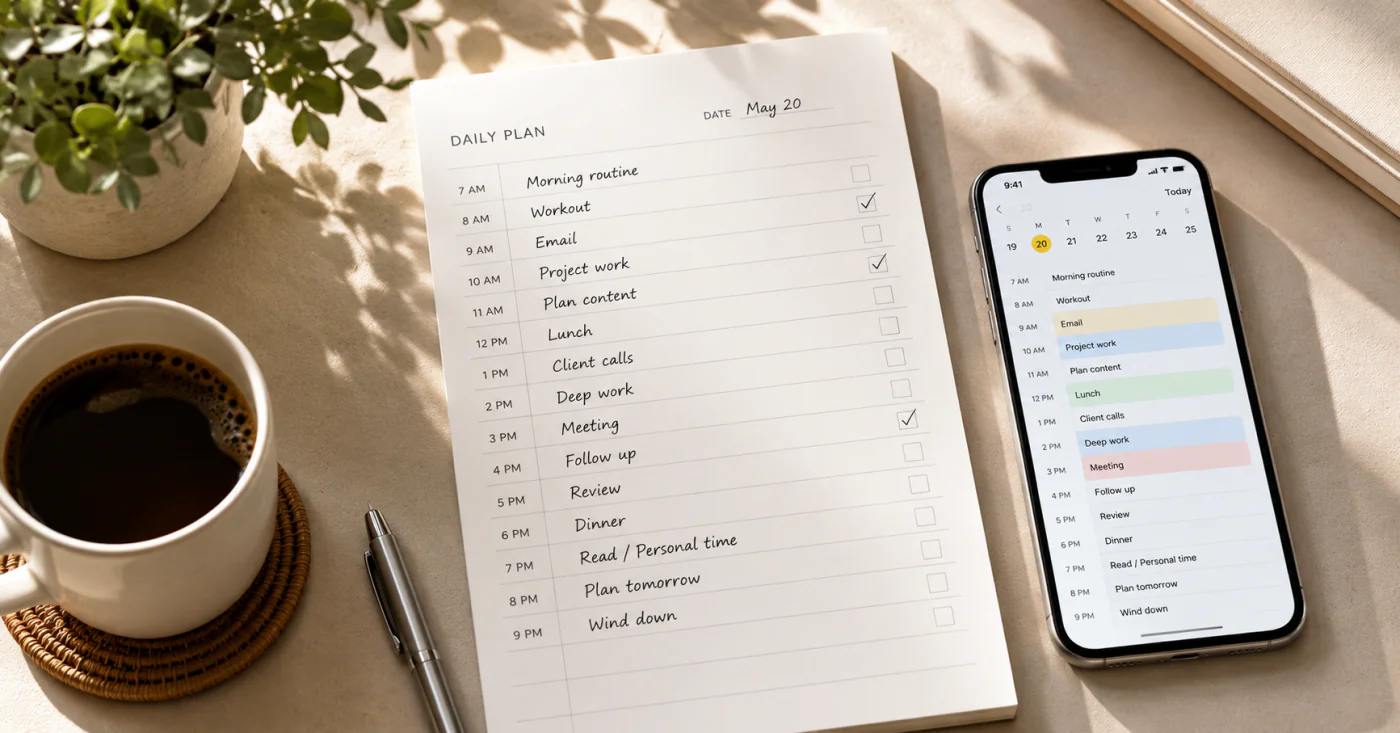
- Give every task a date or bucket. Today, this week, or someday. Tasks with no "when" sink to the bottom permanently.
- Build a short list for today. Pull only today's tasks into a focused view — a handful of items, not twenty. Cognitive research suggests working memory handles roughly seven items at once[1], so a short list is also easier on the brain.
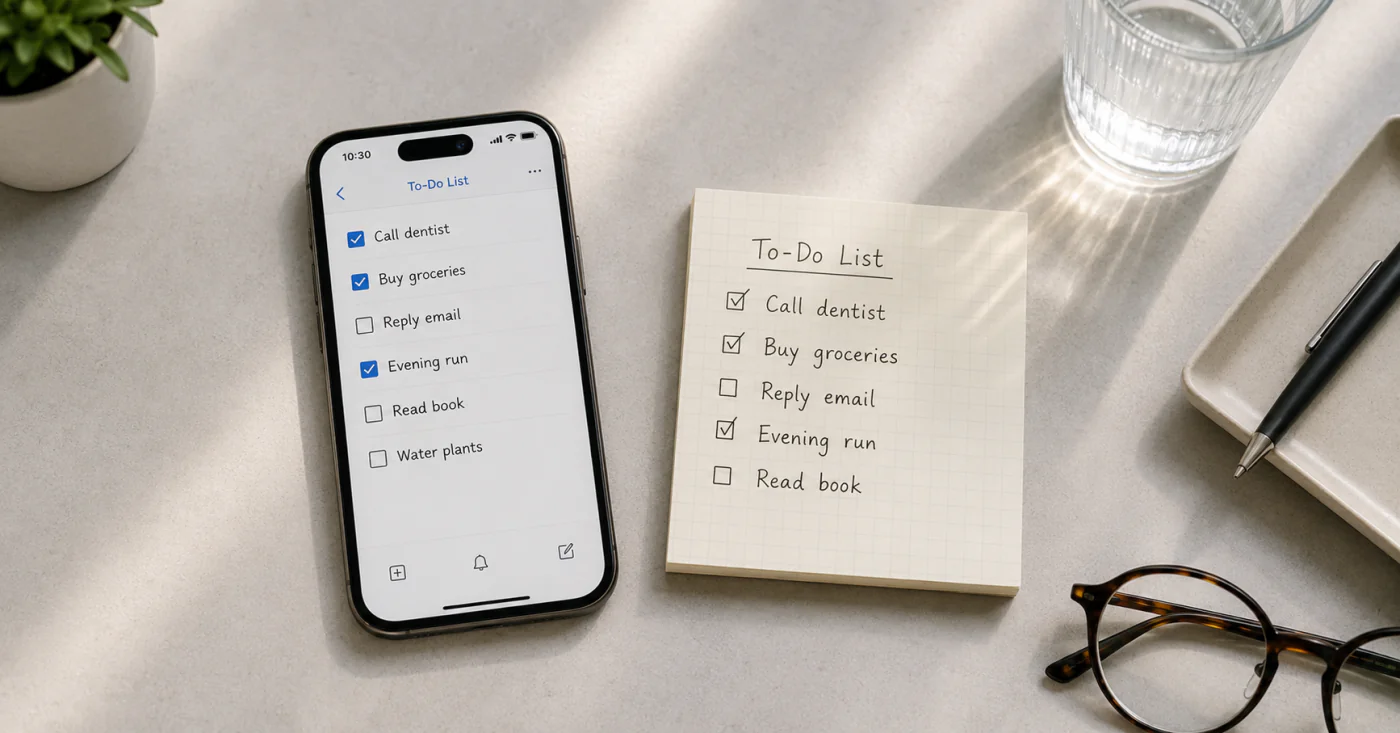
- Keep it on your phone and review daily. A list left on the counter can't follow you. A lightweight notes app like EasyNotes keeps the list in your pocket with checkboxes you tick as you go and syncs it across your devices, so it's never left behind. A five-minute morning review keeps it current.
Copy This To-Do List (paste into any notes app, then check off as you work)
- Today's MITs (1–3): the tasks that make the day a win
- Work: the single most important work task
- Errands: anything that needs a trip or a quick stop
- Calls & emails: batch these together
- Home: one small chore, not ten
- Someday (no date yet): ideas and wishes, kept separate
- Review tonight: check off done, carry over the rest, set tomorrow's MITs
Common To-Do List Mistakes
- Too many items. A 25-item daily list creates decision paralysis. Keep today's list to about 5–9.
- Vague tasks. "Marketing" isn't a task. "Draft 3 social posts for Tuesday" is.
- No review. A list never opened again becomes a graveyard of stale tasks. Review daily.
- Mixing everything. Today's urgent work and a someday idea on one flat list bury what matters now. Use today / week / someday layers.
FAQ
Start with concrete actions, not vague themes — "email Sarah the proposal" not "proposal." Add your top 1–3 priorities first, then errands, calls, and one small home task. Keep a separate "someday" bucket for ideas with no date so they don't crowd today's plan.
Brain-dump everything, then pull only today's tasks into a short list of about 5–9 items. Mark 1–3 Most Important Tasks, give each a time or date, and review at day's end — check off what's done, carry the rest forward. A five-minute morning reset keeps it realistic.
Usually because they're too long, unprioritized, or never reviewed. A 30-item list is overwhelming, a flat list makes everything look equally urgent, and tasks with no date drift forever. Fix it by keeping today's list short, marking priorities, and reviewing daily.
About 5 to 9 per day. Research on working memory suggests we handle roughly seven items at once[1], so a longer list triggers decision paralysis. Put extra tasks in a weekly or someday list instead of today's view.
Conclusion
A to-do list is the cheapest productivity tool you own — ten minutes that turn intent into action. Start with the copyable list above, keep it short and prioritized, and review it daily. Do that, and the list becomes something you actually use instead of another scroll of half-finished items.
References
- Miller, G. A. (1956). "The Magical Number Seven, Plus or Minus Two: Some Limits on Our Capacity for Processing Information" Psychological Review, 63(2), 81–97.