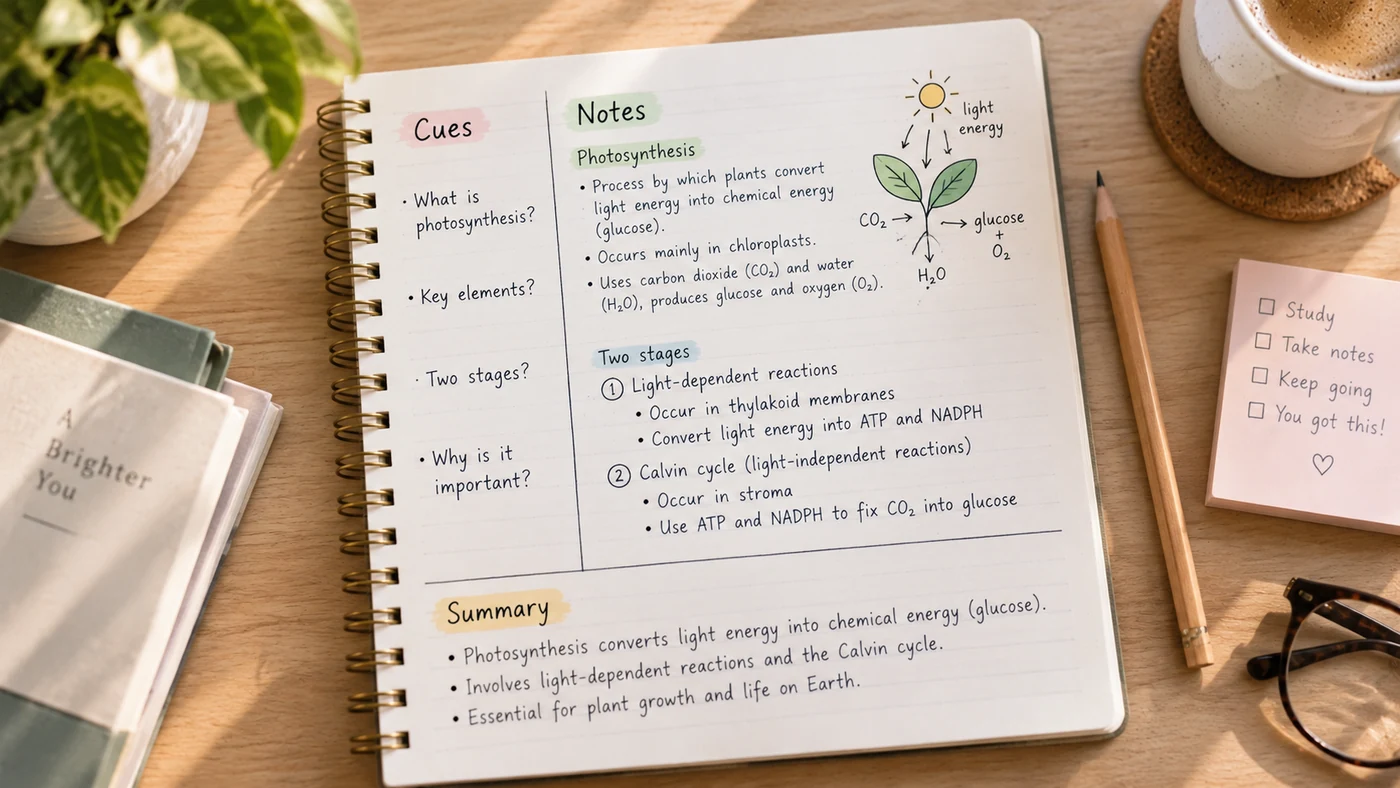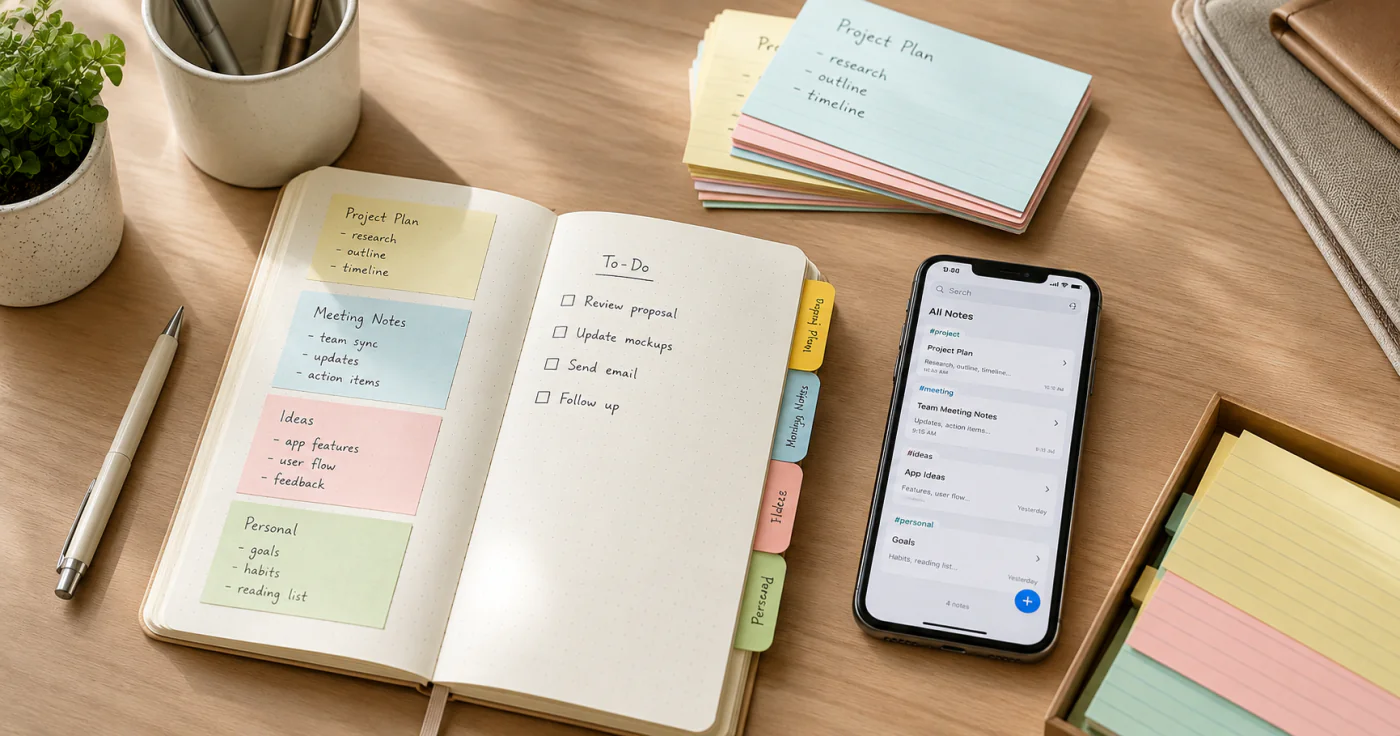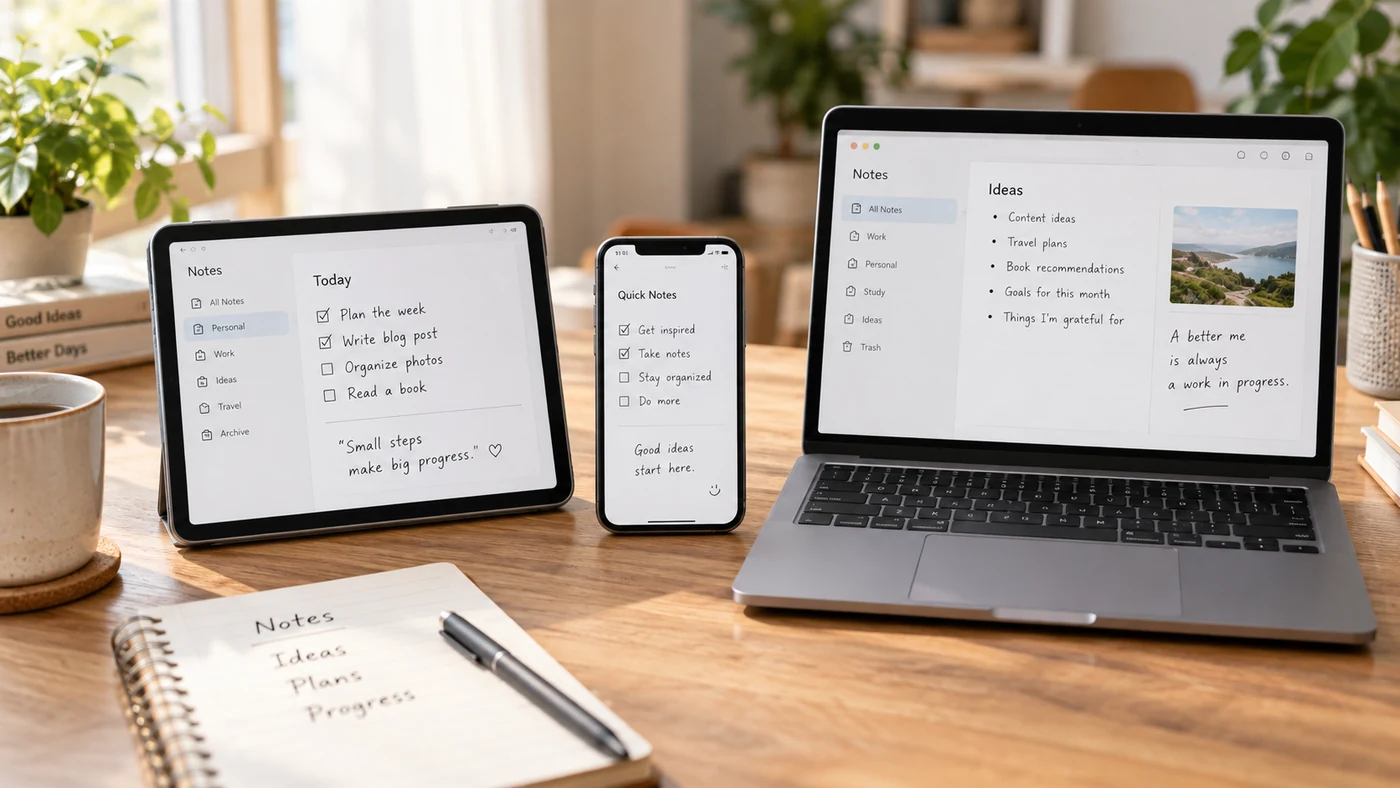
The best free note-taking app is the one whose limits match how you take notes. Before comparing brands, check whether “free” means permanent access, a restricted plan, a device-bundled app, or open-source software you manage yourself.
What "free" really means
“Free” is not one deal. Before comparing apps, separate four common meanings:
- Permanent-free core. The essential note-taking experience remains available without a subscription.
- Freemium. You can keep using the app free, but notebooks, storage, recordings, devices, or advanced tools are capped.
- Included with an account or device. The app is part of an ecosystem, although attachments may use shared cloud storage.
- Open-source or local-first. The software and files offer more control, while syncing and setup may require more work.
These groups answer different questions. A freemium handwriting app can fit a short course. A local-first app can fit a durable personal archive. Neither choice is universally best.
Pick by what you actually need
A comparison only helps if it maps to your situation. Start from the limitation that would make an app unusable for you.
You handwrite on an iPad or iPhone
Apple Notes supports handwriting and drawings with Apple Pencil on supported iPads, including handwritten-text search in supported languages [6]. Goodnotes offers a Free plan with three notebooks, 100 MB of storage, and 20 minutes of audio recording; it is not a time-limited trial, but those caps matter for long-term class or work notes [2]. Notability is free to download and promotes handwriting, audio transcription, summaries, quizzes, and flashcards, so check its current plan details before you depend on a particular study feature [3].
The decision is less about which app has the most ink tools. Decide whether a restricted number of notebooks, limited storage, or a paid add-on would interrupt your routine.
You already use Google or Microsoft
OneNote is a sensible place to start when your notes move between Microsoft devices and accounts. Its product information highlights free-form note-taking and digital ink [1]. Before committing, create one test note on every device you use. Check that it appears where you expect, that edits resolve correctly, and that any attachment storage fits within your account allowance. For the full landscape beyond free tiers, see our best note-taking apps roundup.
Privacy and open formats matter
Obsidian stores notes locally as plain-text Markdown files, which suits people who want their core archive to remain in ordinary files [4]. Joplin is open source, stores notes in an open format, supports sync with services such as Joplin Cloud, Dropbox, and OneDrive, and offers end-to-end encryption [5].
Local files and encrypted sync are separate decisions. Choose Obsidian when local Markdown is your priority. Choose Joplin when an open format and its documented encryption option are central to the workflow.
You want offline-first control
Test your backup and recovery process before moving important notes. “Offline-first” is not a promise that every device, attachment, or sync path will behave the same way.
You just need fast capture
Google Keep supports exports that include note text, list items, attachments, labels, and note state [7]. That makes it useful when speed and a clear exit path matter more than a deep notebook structure. If you want a quick web notepad without installing anything, see how to use a free online notepad.
Compare the limits before the feature list
Free does not mean unlimited. Use this table as a starting point, not a product ranking. Recheck fields that change often on the vendor’s site before publication or purchase:
Worried about losing notes? See how to back up and sync notes before you commit to any app.
Quick comparison
| If you need | Check first | Options worth evaluating | Why the check matters |
|---|---|---|---|
| Handwritten class or project notes | Notebook, storage, and recording limits | Apple Notes, Goodnotes, Notability | A free plan can be permanent yet too small for an ongoing notebook |
| Notes across several devices | Supported devices, account storage, and sync behavior | OneNote, Google Keep, Joplin | “Available on multiple platforms” does not guarantee your preferred workflow is included |
| A local archive | File format, local access, backup steps | Obsidian, Joplin | Local ownership and cloud synchronization are different trade-offs |
| Short lists and quick ideas | Capture speed, search, and export | Google Keep, Apple Notes | A lightweight tool can be better than a complex workspace for small tasks |
| A record you may need to move later | Export format and attachment coverage | Google Keep, Joplin, Obsidian | Export quality determines how portable your notes remain |
A five-minute test before you migrate
Do not move every note into an app after reading a comparison. Run a small test instead:
- Create one text note, one checklist, and one attachment or handwritten note
- Open the same notes on every device you plan to use
- Search for a phrase inside the notes
- Check the current free-plan screen for storage, notebook, recording, and sync limits
- Export or back up the test note, then confirm that the result is readable
If you need a repeatable way to protect your notes after you choose, see how to back up and sync notes.
Conclusion
Choose a free note-taking app by the limitation you can live with, not by a universal ranking. A free plan can be permanent and still be unsuitable for your storage, device, or handwriting needs. Test the limits with real notes before making it your long-term archive.
References
- Microsoft. "OneNote: Digital Note-Taking App"
- Goodnotes. "Plans, Pricing and Free Trial"
- Notability. "Notes That Help You Think"
- Obsidian. "Obsidian"
- Joplin. "Joplin"
- Apple Support. "Add Drawings and Handwriting in Notes on iPad"
- Google Keep Help. "Export Your Data from Google Keep"