The best grocery list app depends on what happens before and during your shopping trip. A person shopping alone may need a short, dependable checklist. A household may need a list everyone can update. A meal-planning household may care more about turning recipes into ingredients. Start with the task that causes the most friction, then compare candidates on shared editing, organization, recipe support, offline access, price, and privacy instead of relying on a universal ranking.
Start with your shopping situation
Choose the app category before you compare features:
| Your situation | What to prioritize | What may matter less |
|---|---|---|
| Shopping alone | Fast entry, checkboxes, reminders, low friction | Live household editing |
| Sharing a household list | Clear shared access, update visibility, conflict handling | Advanced inventory tools |
| Shopping by store | Reorderable categories, a usable store sequence | Recipe import |
| Planning meals first | Recipe-to-list workflow, ingredient review, duplicate handling | A complex store layout |
| Managing a tight budget | Price transparency, only the features you use, dependable basic lists | Extra planning modules |
Shopping-list products are commonly evaluated on sharing, synchronization, category organization, recipe planning, inventory features, platform coverage, and free-plan limits. Use those categories as a checklist for your own candidate list, not as proof that every app works the same way. [1]
Choose a shared list only when more than one person updates it
A shared list can reduce duplicate purchases when several people add items throughout the week. Before choosing one, test the specific shared workflow with another person. Check who can add, remove, and see items; what happens when two people edit at once; whether updates arrive promptly; and what happens if someone loses connection in the store.
Do not choose a household tool only because it says “sharing.” Decide whether you need real-time co-editing, view-only access, or simply a list you can send to someone else. Those are different workflows.
For the list itself, How to Make a Grocery List can help you decide what belongs on it before you choose software.
Compare store organization before recipe features
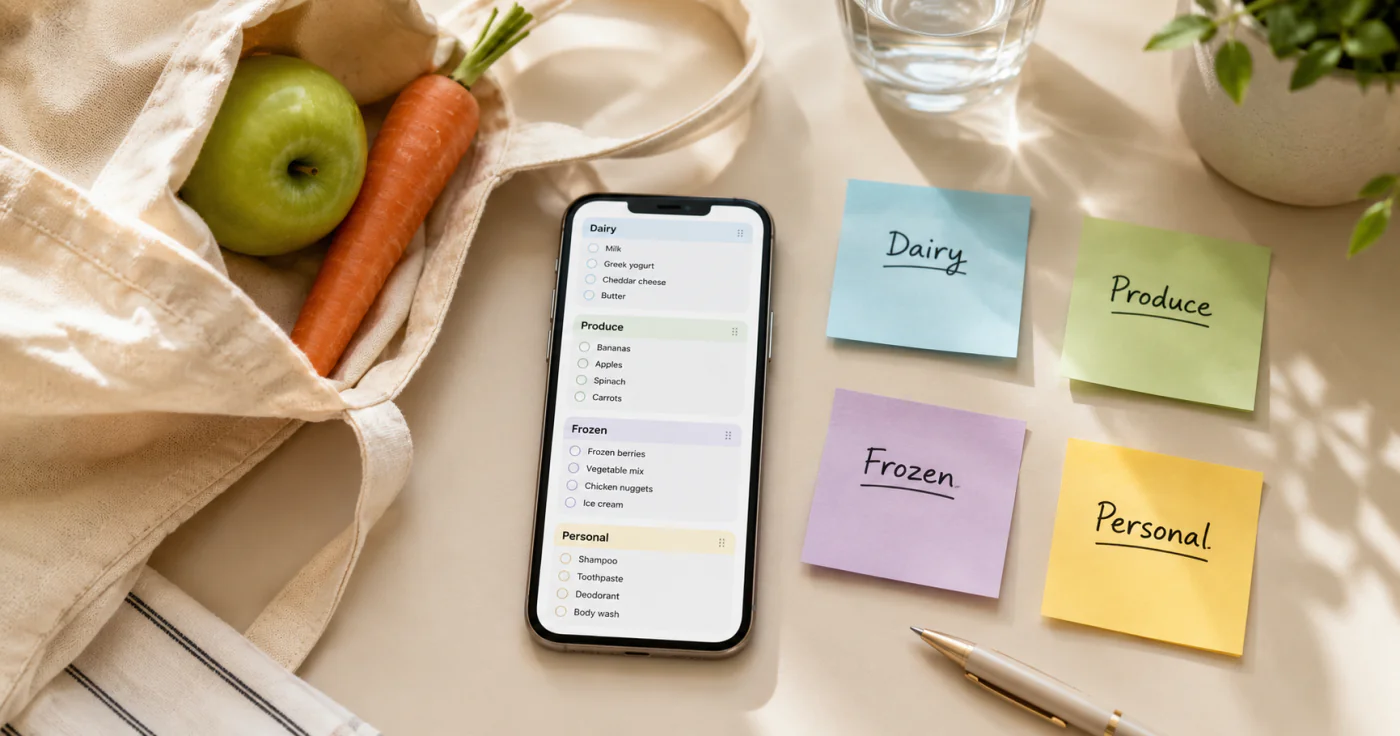
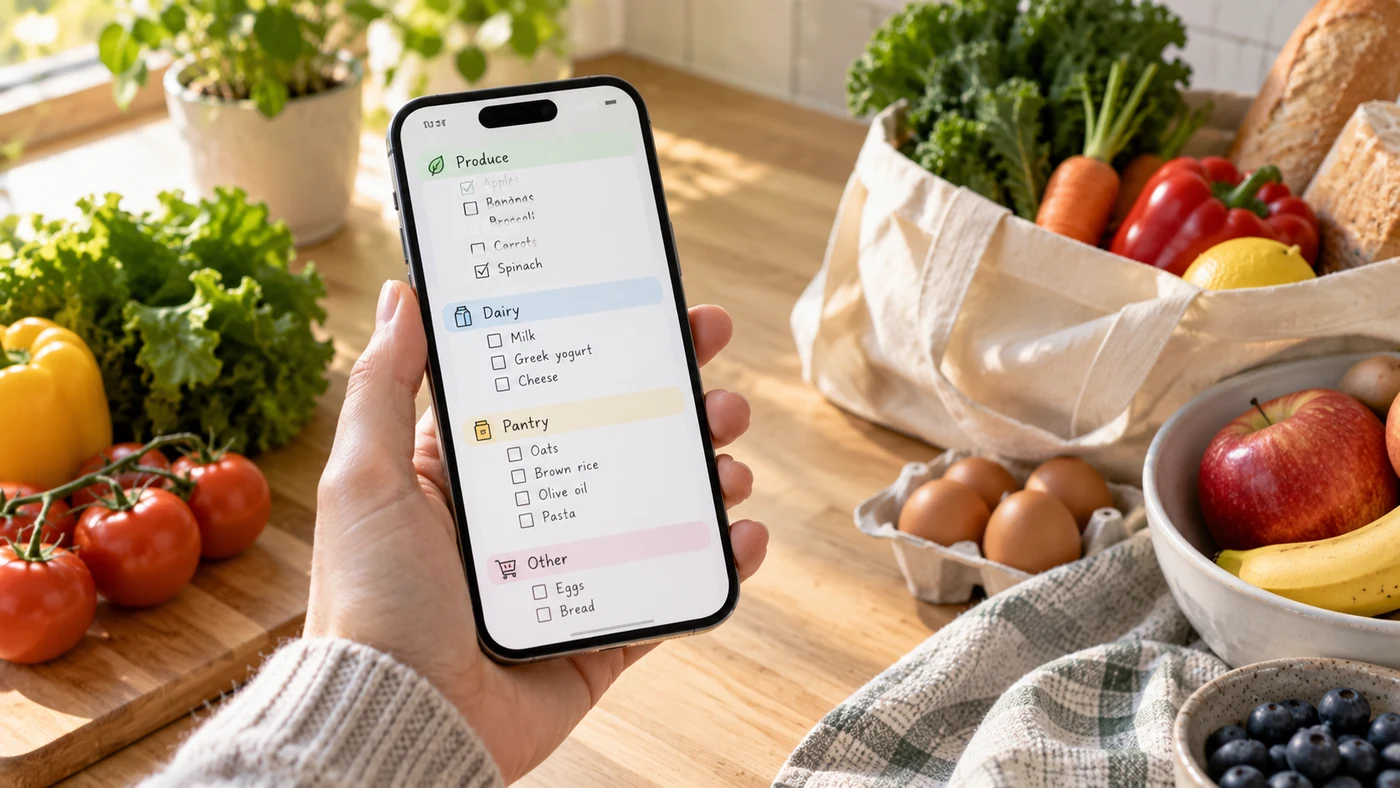
If you shop at the same stores, organization may save more effort than automation. Try creating a realistic list with produce, pantry items, frozen food, household supplies, and one unusual item. Then see whether the app lets you group, reorder, or check off items in a way that matches your route.
If your list changes every week, start from shopping categories rather than a fixed aisle map. Shopping List Ideas can give you a practical starting structure.
Treat recipe-to-list tools as a separate decision
Recipe-driven shopping is useful only if you plan meals often enough to benefit from it. Test a candidate with two real recipes and check whether you can review quantities, remove pantry staples, combine duplicates, and adjust servings before shopping. A recipe workflow that produces a long, unedited list may create more work than it removes.
If meal planning is already part of your week, use Meal Planner: How to Plan Meals to decide whether the planning process should come before the app choice.
Check offline access, free limits, and privacy before committing
Use the app’s official pages to confirm the details that affect your household:
- What the free plan includes and whether ads or limits affect core list-making
- Whether your list remains usable with weak or no connection
- How shared-list access works
- Whether recipe, inventory, or store-order features are included or paid extras
- How to export, delete, or retain your information
- What the privacy policy says about account and list data
This page does not name a winning app because current official pricing, platform, sharing, privacy, and feature documentation for final candidates was not supplied. A selection guide is more useful than a stale or uneven comparison.
How to evaluate an AnyList comparison
If you are deciding whether AnyList is better than another list app, use the same test for both options. Make a shared weekly list, add items from a recipe if that matters to you, organize it for one store visit, and check what still works without a connection. Then compare the current official price, privacy terms, and sharing model before deciding. Do not treat a recommendation written for a different household as a universal answer.
Pick the smallest workflow that solves the real problem
The right grocery list app does not need every possible feature. If you shop alone, a personal checklist with reminders may be enough. If your household changes one list throughout the week, shared editing may be essential. If recipes drive your buying, test that workflow before paying for it.
Frequently Asked Questions
What is the best app for grocery lists?
There is no best app for every shopper. Choose based on whether you need a personal checklist, a shared household list, store-based organization, recipe support, offline access, or a low-cost basic workflow. Test your top option with a real list before moving your whole routine.
Is there an app that creates a grocery list from recipes?
Some grocery-list products are designed to connect recipes and shopping lists, but the details vary. [1] Before choosing one, test how it handles quantities, duplicate ingredients, pantry items, serving changes, and the current plan limits.
Conclusion
Choose a grocery list app by the point where your current routine breaks down: adding items, coordinating a household, moving through a store, or turning meals into a list. Run one real weekly shop through a candidate before you commit, and keep only the features that save effort in your own routine.
If you shop mainly for yourself and need a personal list with quick capture and note-level reminders, EasyNotes can be a natural fit. It is not a shared editing, recipe-import, inventory, or meal-planning tool.