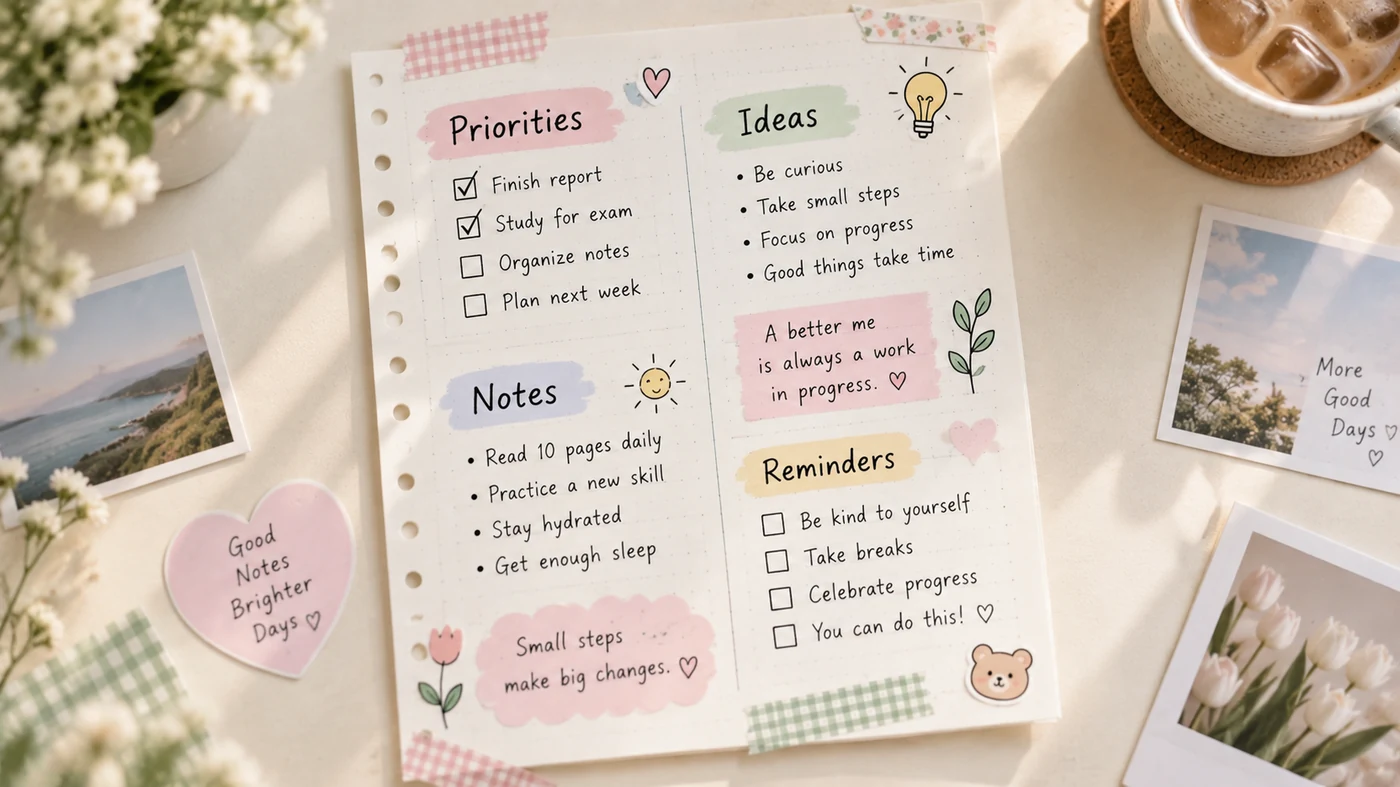
Cute note templates work best when their design makes key ideas easier to find. Choose one visual system, use it consistently, and leave room for explanations and review cues. The goal is a page you want to revisit, not a page that hides the lesson behind decoration.
Start With Function, Then Add Style
There is no single best format for every subject. A lecture with unfamiliar terms needs definition space; a reading assignment needs room for claims and evidence; a revision page needs prompts that test recall. Pick the function first, then give it a visual treatment.
Keep the palette deliberately small: one dark writing color, one accent color, and one pale highlight is usually enough. Text and important marks still need clear contrast with their background, especially if the page may be printed or viewed in bright light.[1]
Three Cute Note Templates to Copy
1. The Color-Dot Review Page
Use this for a lecture or chapter that has several ideas to connect.
TOPIC: ____________________       DATE: __________

● BIG IDEA
  ______________________________________________

● KEY TERMS
  term: meaning
  term: meaning

● EXAMPLE OR DIAGRAM
  ______________________________________________

● 60-SECOND REVIEW
  What can I explain without looking?
  ______________________________________________
Give each dot a stable meaning. For example, use one accent for concepts and a second for questions. Do not introduce a new code halfway through the page.
2. The Clean Header and Cards Page
Use this for dense lessons where you want the page to feel calm.
LESSON TITLE
One-sentence purpose: __________________________

[ CARD 1: CONCEPT ]    [ CARD 2: EXAMPLE ]
__________________     _______________________
__________________     _______________________

[ CARD 3: QUESTION ]   [ CARD 4: REVIEW ]
__________________     _______________________
__________________     _______________________
Use a slightly larger title, one thin divider, and generous blank space. A clean page looks intentional because related information stays together, not because every line is decorated.
3. The Playful Study Dashboard
Use this for a weekly revision session or a subject with many small tasks.
THIS WEEK'S FOCUS: ______________________________

LEARN                 PRACTISE              CHECK
□ Read pages ___      □ Solve ___ problems   □ Explain it aloud
□ Define ___ terms    □ Make ___ examples    □ Quiz myself

STUCK ON: ______________________________________
NEXT SMALL STEP: _______________________________
Small icons can distinguish these three columns, but the words should still carry the meaning. If a page becomes hard to scan without its colors or drawings, simplify it.
Make the Layout Your Own Without Losing Clarity
Use one type style for headings and one for body text. Repeat the same margin, heading treatment, and section order for a whole unit. That consistency speeds up review because your eyes learn where to look.
For more ideas about short, visible reminders, see these sticky-note uses. If you are designing pages for classes, pair the visual layout with a reliable study routine from this note-taking guide for students.
Frequently Asked Questions
How can I create aesthetic notes?
Start with a repeatable structure: a title area, two or three content sections, and a review prompt. Then add one small palette, consistent headings, and limited icons. Keep body text high-contrast and leave empty space so the page remains usable.
Conclusion
A cute note page earns its decoration when it helps you spot the topic, connections, and next review step. Begin with one layout, use it for several sessions, and adjust only what gets in the way of learning.