A project meeting notes template should connect what changed, what was decided, who owns the next action, and when the team will review it. Use the copyable format below for recurring project check-ins, then carry open actions and risks into the next meeting instead of rebuilding the record each time.
Copyable Project Meeting Notes Template
PROJECT MEETING NOTES
Project or workstream:
Meeting type: Kickoff / Status review / Planning / Decision / Retrospective / Other
Date:
Facilitator:
Note-taker:
Attendees:
Purpose or decision needed:

1. Progress since the last meeting
- Workstream or milestone:
- What changed:
- Status: On track / At risk / Blocked / Not confirmed
- Evidence or context:

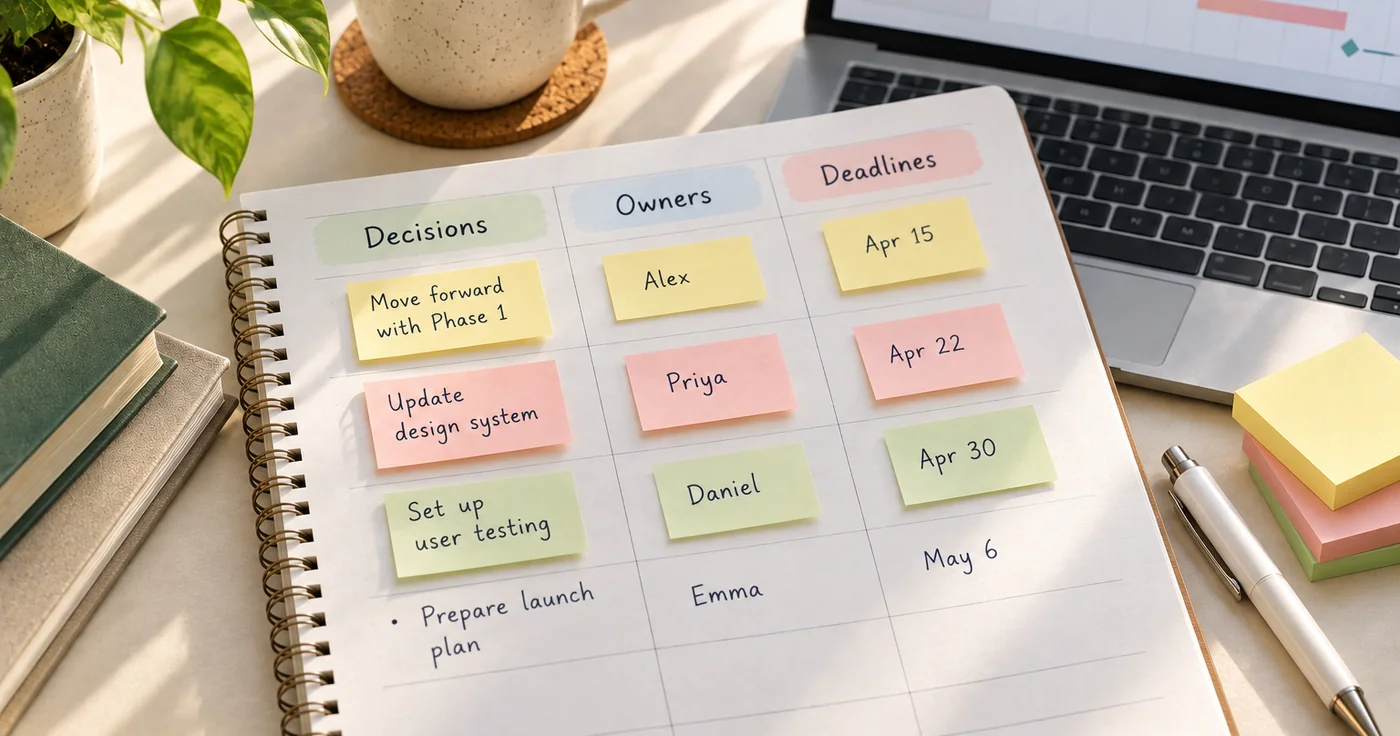
2. Decisions
- Decision:
- Context or reason:
- Decision owner:
- Effective date or review point:

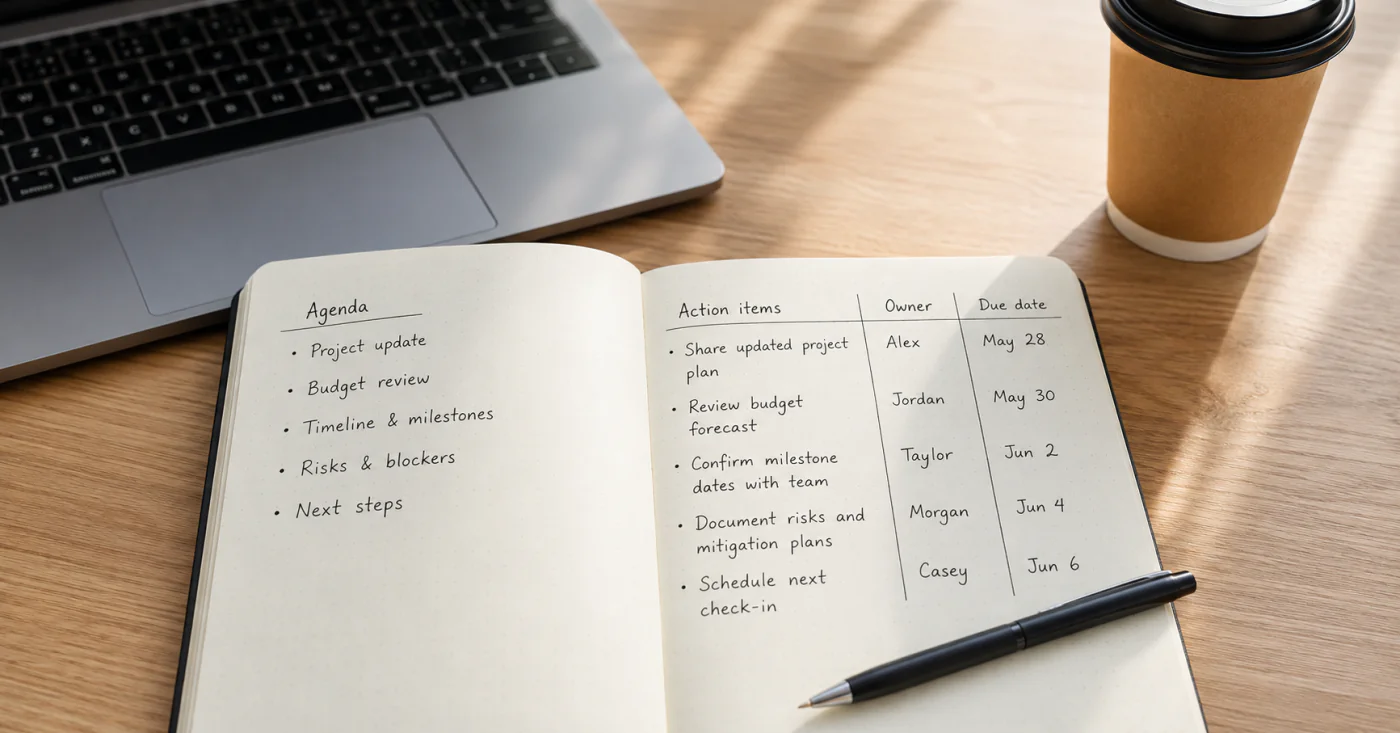
3. Action items
| Action | One owner | Due date | Related milestone or decision | Status |
| --- | --- | --- | --- | --- |
| | | | | |

4. Risks, blockers, and dependencies
- Issue:
- Impacted work:
- Next action or mitigation:
- Owner:
- Revisit on:

5. Open questions
- Question:
- Person or source to check:
- Answer needed by:

6. Carry forward
- Unfinished action, risk, or decision:
- What changed since it was raised:
- Next owner and check-in date:

Next meeting:
Where the team will track the actions:
Use “Not confirmed” when the team does not yet have a reliable status. That is clearer than assigning an optimistic label just to fill the field. Keep the discussion summary short; the decision, owner, date, and unresolved risk are the parts most likely to be needed later.
How to Keep Notes Connected Across Meetings
Before the meeting: bring forward only what is still active
Start with the previous note. Copy forward unfinished actions, unresolved questions, and risks that still affect the project. Mark completed items as closed rather than carrying them indefinitely. This gives the team a short history without turning every meeting into a read-through of old notes.
During the meeting: separate updates from decisions
An update describes what changed. A decision records what the group agreed to do and, when useful, why. An action item names work that someone will complete. Keep these separate so a discussion point does not accidentally look like an approval or commitment.
For action items, assign one accountable owner and a due date. Other contributors can be listed separately. If the group has not agreed on an owner or deadline, record that as unresolved instead of making one up.
After the meeting: close the record and point to the work
Read back decisions and actions before sharing the note with the intended group. Move delivery tracking to the team’s chosen project system if one exists; the meeting note should capture the agreement and point to where the work will be followed. For a shorter general meeting structure, use this meeting-notes guide. For smaller daily and meeting layouts, see work notes templates.
Filled Example
PROJECT MEETING NOTES
Project or workstream: Help center refresh
Meeting type: Status review
Date: October 15
Facilitator: Riley
Note-taker: Sam
Attendees: Riley, Sam, Jordan
Purpose: Confirm review progress and decide what can be published next

1. Progress since the last meeting
- Workstream or milestone: Article review
- What changed: Three drafts received product review; one still needs terminology approval.
- Status: At risk
- Evidence or context: Terminology owner has not confirmed a response date.

2. Decisions
- Decision: Publish the two approved drafts after the link check.
- Context or reason: Their product review is complete; the remaining draft is not part of this release.
- Decision owner: Riley
- Effective date or review point: October 17

3. Action items
| Action | One owner | Due date | Related milestone or decision | Status |
| --- | --- | --- | --- | --- |
| Run the final link check on two approved drafts | Sam | October 16 | October 17 release | Open |
| Ask the terminology owner for a response date | Jordan | October 16 | Remaining article review | Open |

4. Risks, blockers, and dependencies
- Issue: Final terminology approval is pending.
- Impacted work: One article cannot join this release.
- Next action or mitigation: Confirm the review date; keep the article out of the release until approved.
- Owner: Jordan
- Revisit on: October 16

5. Open questions
- Question: Can the remaining article be reviewed before the next release?
- Person or source to check: Terminology owner
- Answer needed by: October 16

6. Carry forward
- Unfinished item: Terminology approval
- What changed since raised: No date confirmed yet.
- Next owner and check-in date: Jordan, October 16

Next meeting: October 17
Where the team will track the actions: Existing project board
The example shows how to keep a decision distinct from work that remains blocked. It also makes the next review point explicit, so the team can decide whether the open item still affects the following meeting.
Conclusion
Use project meeting notes to preserve the link between status, decisions, ownership, and the next review—not to capture every sentence. Try the format at one recurring check-in, then keep only fields that help the team make or follow through on a project decision.