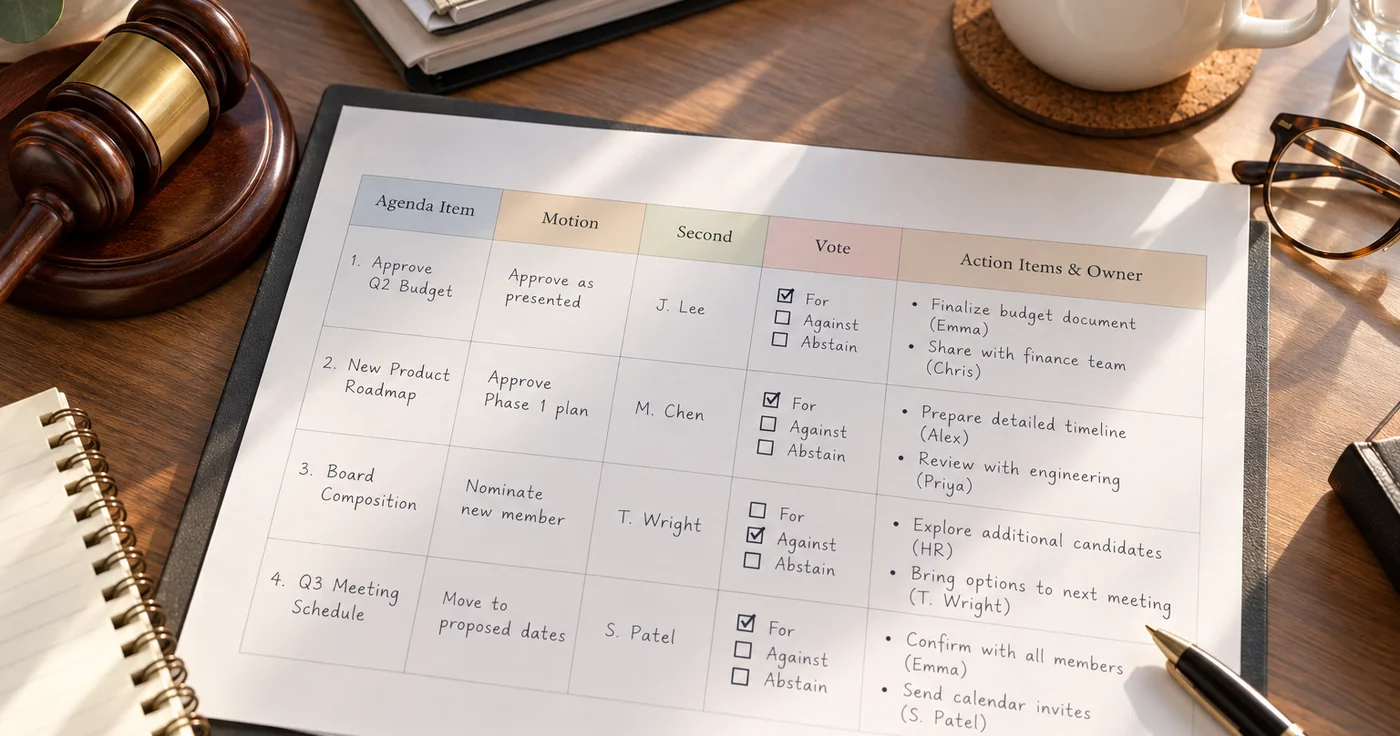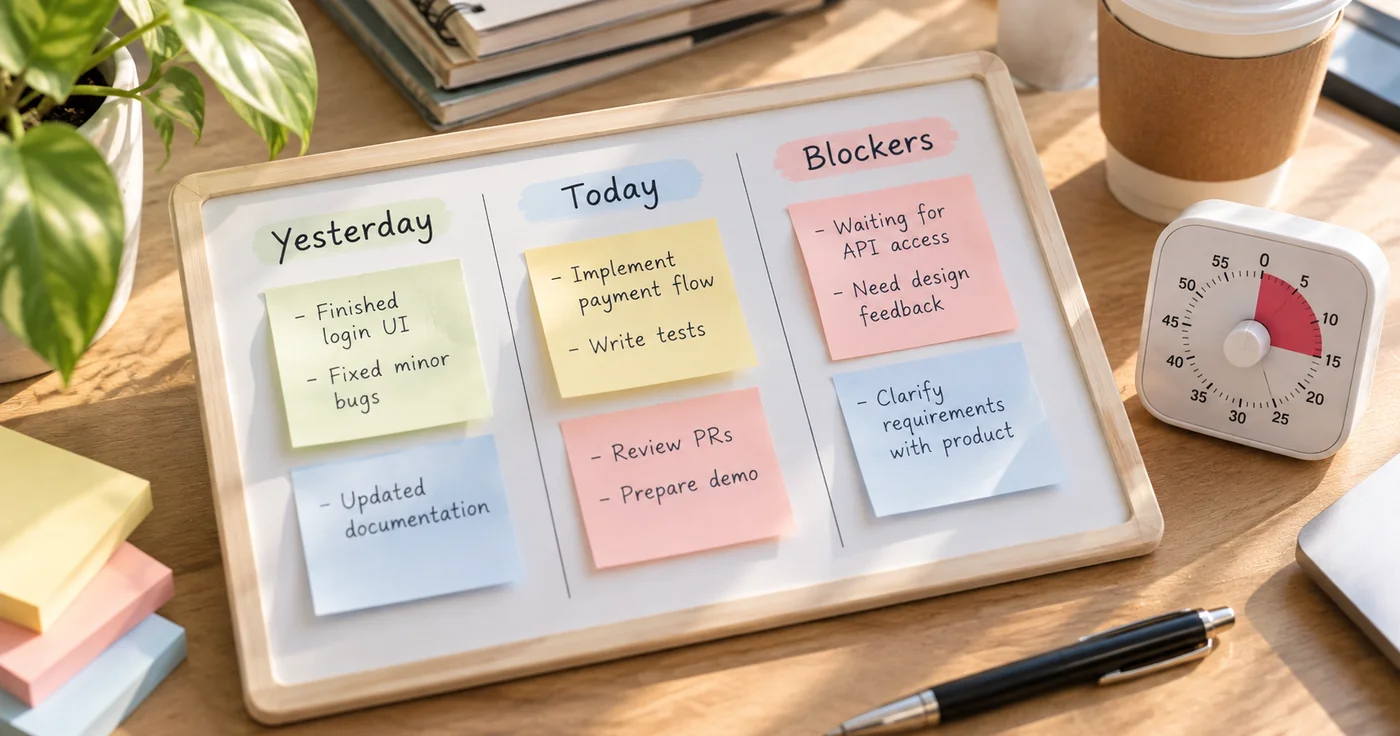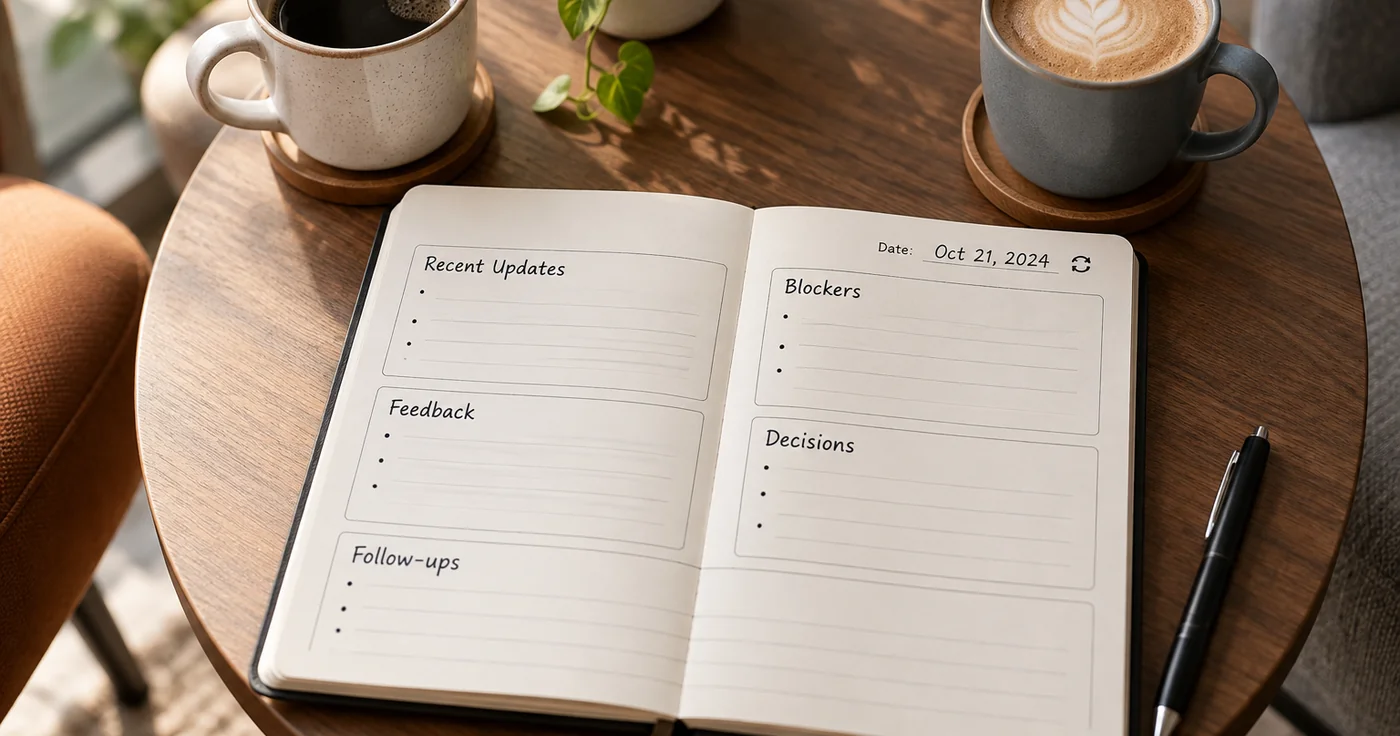
A useful one-on-one meeting template gives the employee room to set the agenda while helping both people leave with clear decisions and follow-ups. Copy the structure below, add topics before the meeting, and use only the sections that fit the conversation.
Copyable One-on-One Meeting Template
ONE-ON-ONE MEETING

Date:
Manager:
Employee:
Meeting period or project:

1. Employee check-in
- What is most important to discuss today?
- What is going well?
- What feels unclear, difficult, or blocked?

2. Follow-up from last time
- Previous action:
- Owner:
- Status or update:
- Does it need a new next step?

3. Current priorities
- Employee's priority or topic:
- What decision, context, or support is needed?
- Manager's context or update:

4. Feedback and support
- Feedback or recognition to discuss:
- Feedback the employee would like to share:
- What should change or continue?

5. Decisions and action items
- Decision:
- Action:
- Owner:
- Due date or check-in point:

6. Topics to carry forward
- Topic:
- Who will prepare what before the next meeting?
The order is intentional but flexible: start with the employee’s priorities, use the middle of the conversation to solve problems or exchange feedback, and finish by writing down decisions and owners. If time is short, keep the check-in, the most important employee topic, and the action-item close; move lower-priority updates to another channel or a future meeting.
How to Prepare and Use the Agenda
Before the meeting
Both people can add topics in advance. The employee should be able to raise a question, concern, or decision they need help with; the manager can add context, feedback, or a topic that needs discussion. Agree on what notes are visible to whom rather than assuming that every personal note belongs in a shared record.
Review the previous action items first. Mark each as done, still in progress, or needing a revised next step. This keeps the meeting from becoming a fresh list of topics with no follow-through.
During the meeting
Let the employee’s most important topic lead when possible. For each issue, clarify what is known, what is uncertain, and what would help: a decision, background, a resource, or a change in priority. Keep routine status reporting concise so there is time for discussion rather than a readout.
Use the feedback section in both directions. A manager can offer a specific observation and invite the employee’s perspective. The employee can also name what is helping or hindering their work. If a subject needs more time or a different setting, record the next step instead of forcing a quick resolution.
At the close
Read back the decisions and action items. Each action should name one owner and a date or clear check-in point. If no decision was reached, record what information is missing and who will obtain it. Carry unfinished topics forward only when they still matter.
For broader work-note habits, see this guide to organizing work notes. If your need is to capture a group discussion as meeting notes, use the separate meeting-notes guide; this template is designed for a recurring conversation between two people.
Filled Example
This fictional example shows how the template can turn a broad concern into a clear follow-up without recording a long transcript.
ONE-ON-ONE MEETING

Date: October 14
Manager: Jordan
Employee: Alex
Meeting period or project: Website launch

1. Employee check-in
- Most important topic: Waiting on final product copy for the launch page.
- Going well: Design review is complete.
- Blocked: The launch date may shift if copy arrives after Thursday.

2. Follow-up from last time
- Previous action: Confirm review owner for product copy.
- Owner: Jordan
- Status or update: The owner is confirmed; the review is not complete.
- New next step: Jordan will ask for a delivery estimate today.

3. Current priorities
- Employee topic: Decide whether to keep the current launch date or prepare a revised date.
- Support needed: A confirmed copy delivery time.
- Manager context: The date is not being changed until the estimate is known.

4. Feedback and support
- Feedback to discuss: Alex surfaced the timing risk early.
- Employee feedback: A single source for final copy would reduce duplicate review.
- What should change: Jordan will identify the final approval channel.

5. Decisions and action items
- Decision: Reassess the launch date after the delivery estimate arrives.
- Action: Request and share the estimate.
- Owner: Jordan
- Due date or check-in point: Today, before end of day.

6. Topics to carry forward
- Topic: Confirm the final-copy approval channel.
- Preparation: Jordan will bring the proposed channel to the next check-in.
The example separates the issue, the decision that can be made now, and the action needed before a final call. That distinction makes the next meeting easier to prepare for.
Frequently Asked Questions
How to structure a 1 on 1 meeting?
Start with the employee’s most important topic, review open follow-ups, discuss priorities or blockers, make room for feedback, and end with decisions and owned next steps. Treat the sequence as a flexible agenda, not a script.
How to write a 1 to 1 meeting?
Write short prompts rather than a transcript: the topic, the question or decision needed, relevant context, and the next action with an owner. Keep sensitive personal notes separate from a record intended for both participants.
What is the best agenda for a one-on-one meeting?
There is no single agenda for every pair. A practical starting point is an employee check-in, previous actions, current priorities, blockers or support, two-way feedback, and decisions with owners and dates. Reorder or skip sections to fit the meeting’s purpose.
Conclusion
Use a one-on-one meeting template to make space for the employee’s priorities and to turn discussion into specific follow-ups—not to force every conversation into the same script. Copy the agenda, bring one important topic to the next meeting, and adjust the sections after you see what helps both participants.