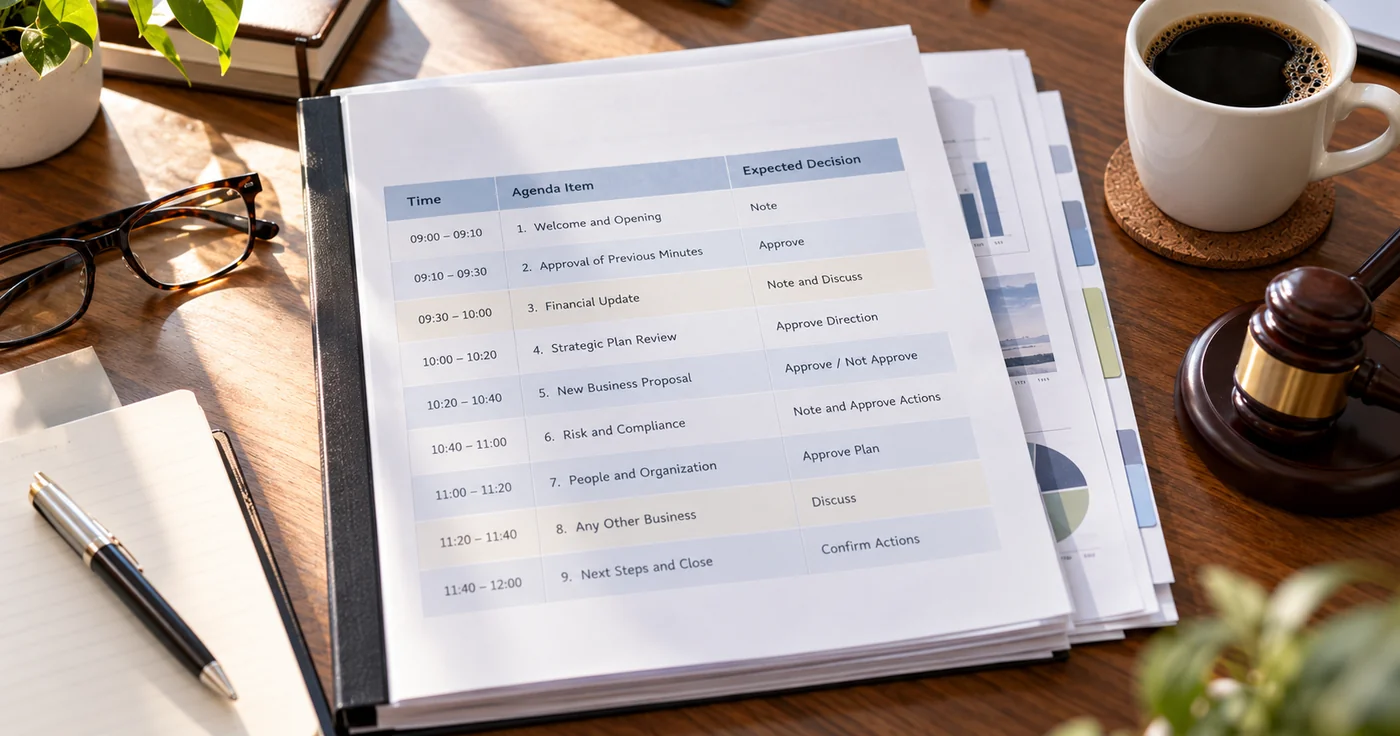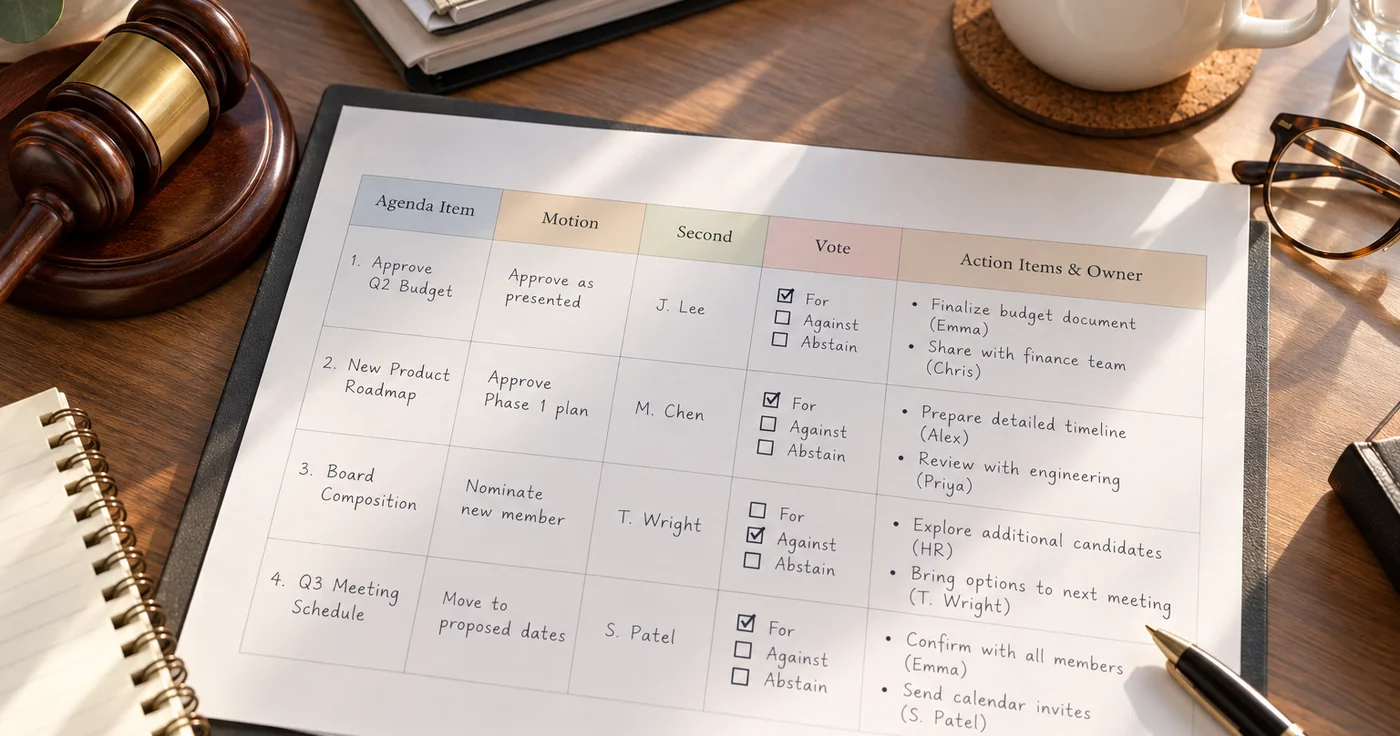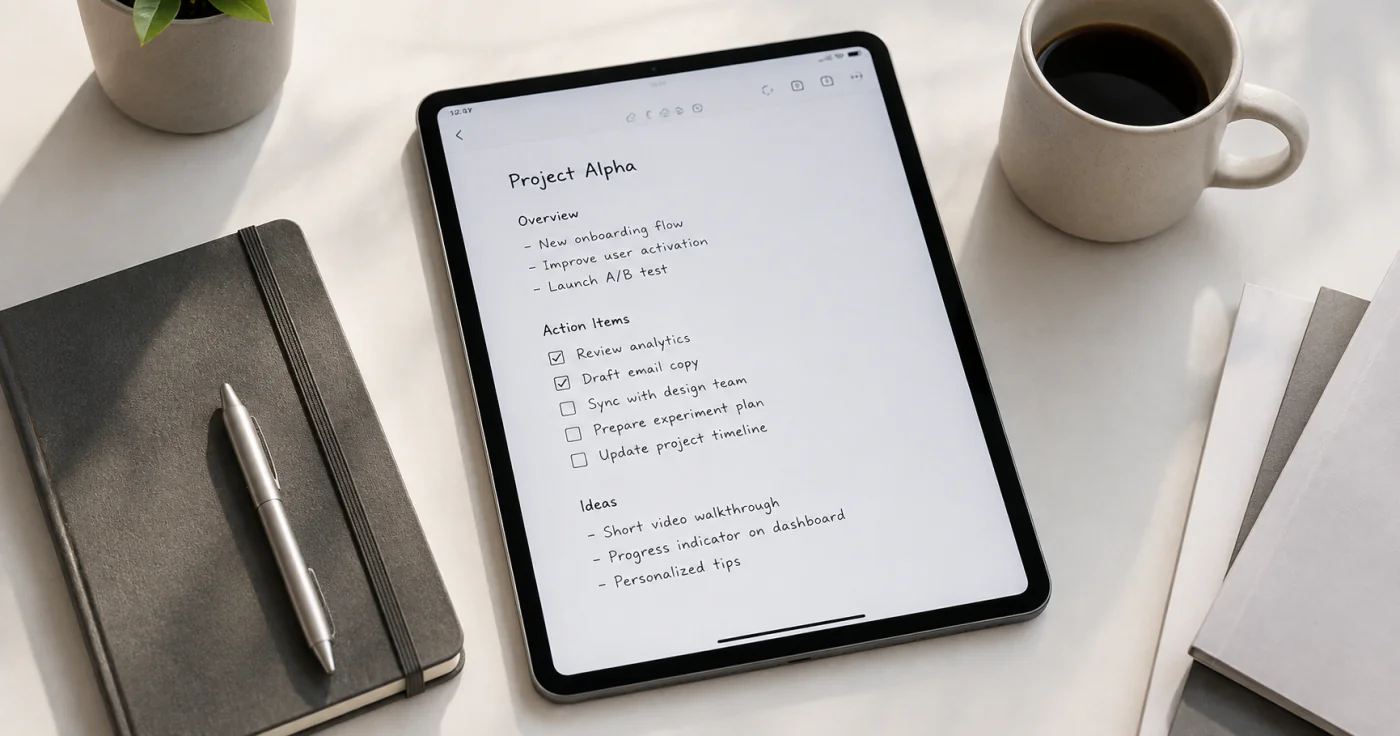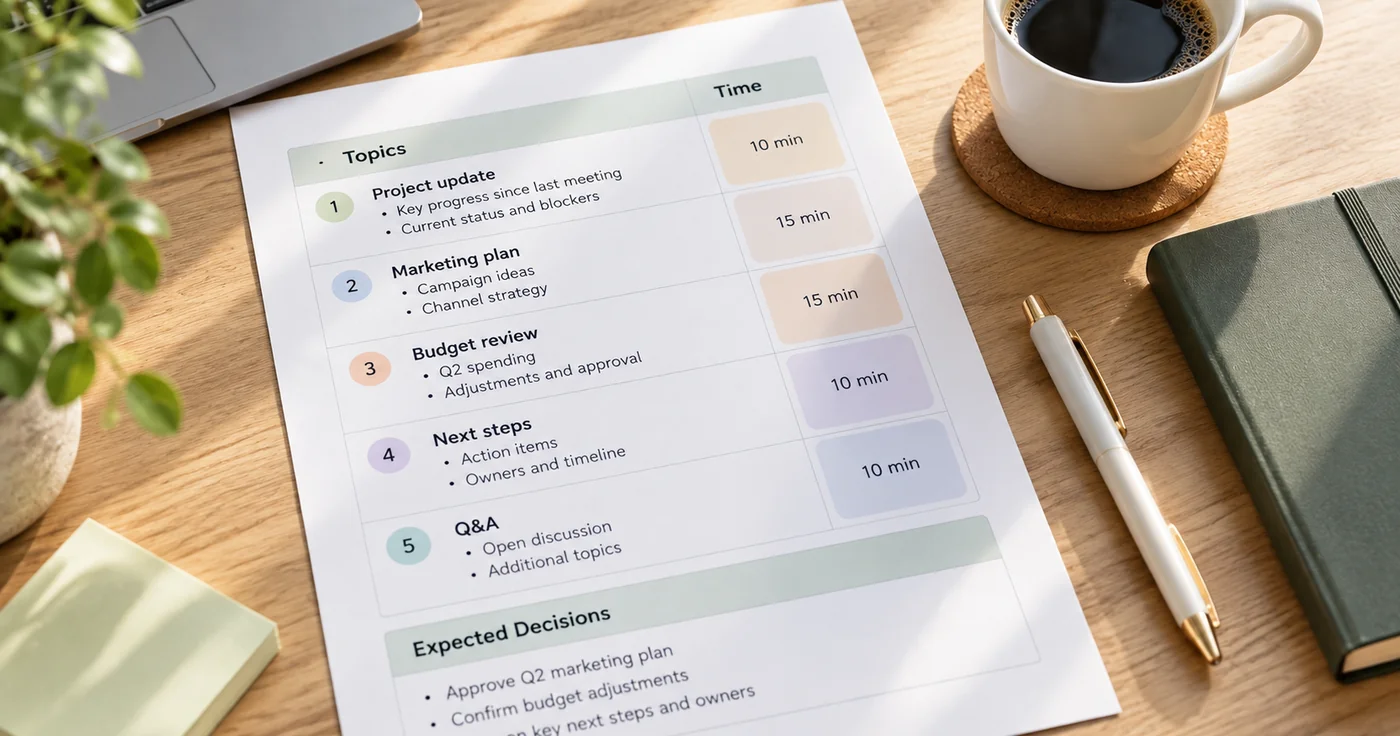
A useful meeting agenda template does more than list discussion topics. It tells people why they are meeting, what decision or output each topic needs, how much time it gets, and who owns the next step. Copy the format below before your next meeting, then adjust the timing and prompts to fit the group.
This is a plain-text format you can paste into the document or note-taking tool your group already uses. If you only need a blank agenda, start with the block; the guidance below explains how to tailor it to a real meeting.
Copy this meeting agenda template
Meeting title:
Date and time:
Facilitator:
Participants:

Meeting outcome:
By the end of this meeting, we will have decided or completed:

Preparation:
- Read or review:
- Bring or decide:

Agenda
1. Opening and desired outcome — 3 minutes
   Facilitator question:

2. Topic: ____________________ — ___ minutes
   Context everyone needs:
   Discussion question:
   Decision or output needed:
   Owner:

3. Topic: ____________________ — ___ minutes
   Context everyone needs:
   Discussion question:
   Decision or output needed:
   Owner:

4. Risks, open questions, or dependencies — ___ minutes

Decisions made:
-

Next steps
- Action:
  Owner:
  Due date:
- Action:
  Owner:
  Due date:
Keep the agenda short enough that people can read it before the meeting starts. If a topic has no clear decision, question, or output, move it to a note, an asynchronous update, or a separate working session.
How to fill out the agenda
Start with one meeting outcome
Write the outcome as something the group can complete, not just a subject to discuss. “Choose the launch date” is easier to run than “Talk about the launch.” “Agree on the first three customer interviews” is clearer than “Review research.”
This line keeps the meeting from becoming a collection of updates. It also gives the facilitator a simple test: if a discussion does not move the group toward the outcome, it probably does not belong in this time slot.
Turn each topic into a decision or a question
For every topic, write one of these before the call:
- What needs a decision?
- What question must the group answer?
- What deliverable must be approved, changed, or assigned?
Then name the person who will frame the topic. That person does not have to make the final decision, but they should bring enough context for everyone else to participate.
Give topics real time limits
Add the time for each item before you invite people. Put the most important decision early, while attention is highest. Leave a small final block for risks and ownership rather than assuming that next steps will emerge on their own.
If you have a 30-minute meeting, a simple format might be:
| Time | Item | Output |
|---|---|---|
| 3 min | Outcome and context | Shared goal for the meeting |
| 12 min | Main decision | A decision or a defined owner for the decision |
| 10 min | Second priority | A next action or a reason to defer |
| 5 min | Commitments | Owners and due dates |
Add facilitator questions, not just labels
“Budget” and “timeline” are labels. A facilitator question gives people something they can answer: “Which cost can we remove without changing the launch scope?” or “What must be true before this work can begin?”
Questions make it easier to notice when the conversation has drifted. If the group cannot answer the question with the information available, capture the gap, assign an owner, and move on.
A weekly staff meeting agenda for team updates
For a recurring staff meeting, keep status updates brief and reserve the main discussion time for blockers, dependencies, and decisions. Share routine updates asynchronously when possible so the live meeting does not become a round-robin of information everyone could have read.
Weekly staff meeting — 30 minutes

1. Goal and urgent changes — 3 minutes
2. Progress against this week's priorities — 7 minutes
3. Blockers, risks, or cross-team dependencies — 8 minutes
4. Decisions or help needed — 7 minutes
5. Confirm actions, owners, and due dates — 5 minutes
Use the same fields for each discussion item: topic, what changed, what is blocked, what decision or help is needed, and who owns the next step. A progress update that needs no discussion can stay in the pre-read; bring it into the meeting only if the group needs to resolve a question or coordinate work.
Adjust the time blocks to the team's size and meeting purpose. A small team may combine progress and blockers; a larger staff meeting may need written updates first and a shorter live agenda. If there are no decisions, dependencies, or useful commitments to discuss, an asynchronous update may serve the team better.
After the meeting: keep the agenda and the record connected
The agenda sets the work up; it does not replace the record of what happened. Capture the final decisions, owners, and open questions while the meeting is still fresh. For a practical in-meeting structure, see How to Take Meeting Notes. If you are building a broader system for decisions and follow-ups, Work Notes can help you organize them.
Conclusion
Choose an agenda format based on the outcome you need, not on how many topics you can fit into an hour. A clear decision, a focused question, a time limit, and a named owner make the meeting easier to run and easier to follow up.
Try the copyable agenda with one real meeting this week. Send it early, remove any topic without an expected output, and end by confirming who will do what next.