A grocery list is a simple written or digital rundown of everything you need to buy before you shop. Making one takes about five minutes, and it cuts impulse buys, prevents forgotten items, and saves you return trips to the store. Below, we'll cover how to make a grocery list step by step, what to put on it, and the mistakes that quietly drain your budget.
Why a Grocery List Actually Matters
Most overspending at the store isn't the big purchases — it's the three "oh-I'll grab that" extras you didn't plan for. A list does three things at once: it caps impulse buying, it stops you from buying what you already have, and it means one trip instead of two.
Here's what that looks like in practice: a running list on your phone where you tap in "milk" the moment you finish the carton, or "dish soap" when you notice you're low. By Saturday it holds a dozen things you'd never have remembered standing in the aisle. You walk the store once, skip the second trip, and don't come home without the one thing you needed. For busy households, that's real time and money back every single week.
How to Make a Grocery List: Step-by-Step
- Check what you already have. Open the fridge, freezer, and pantry first. Note what's running low (milk, eggs, coffee) so you don't buy a second one.
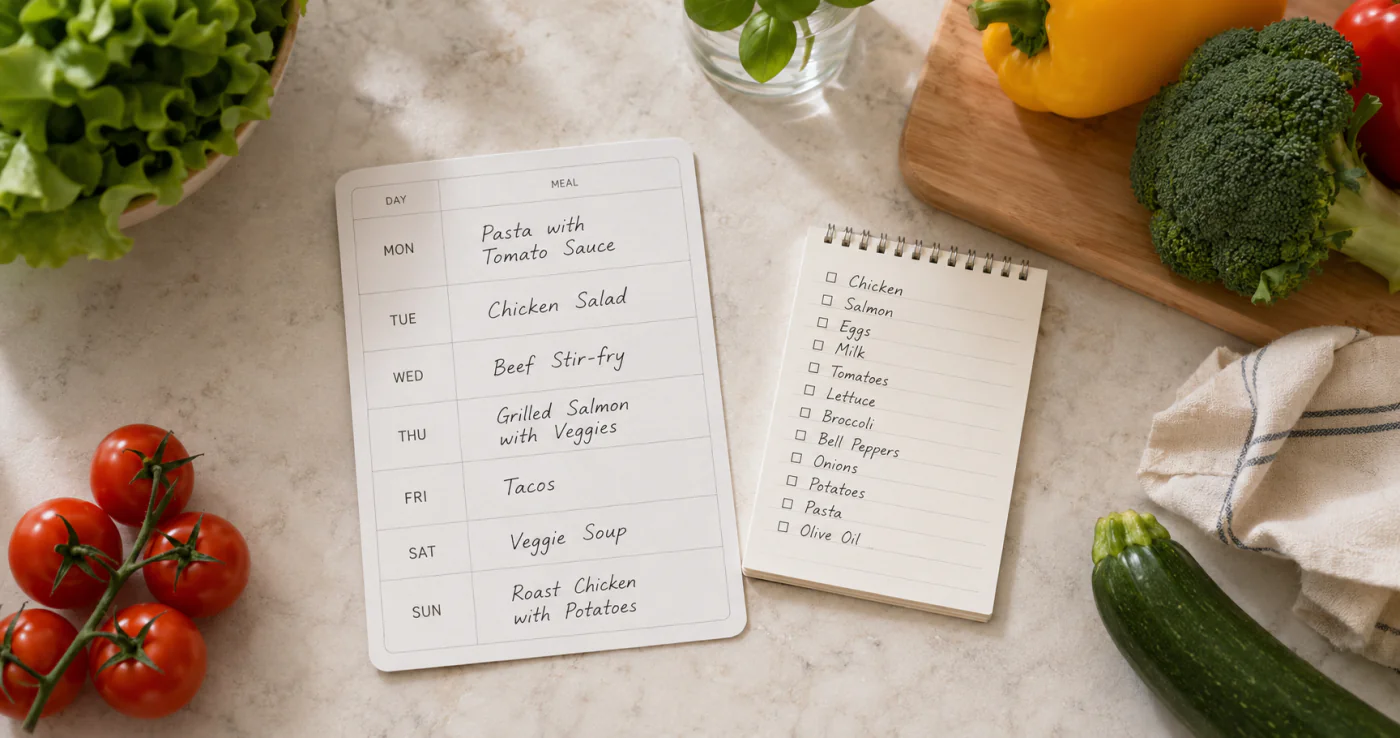
- Plan 3–4 meals for the week. You don't need a full meal plan — just pick a few dinners and break them into ingredients. This is also where a weekly planner helps you see what nights you'll actually cook.
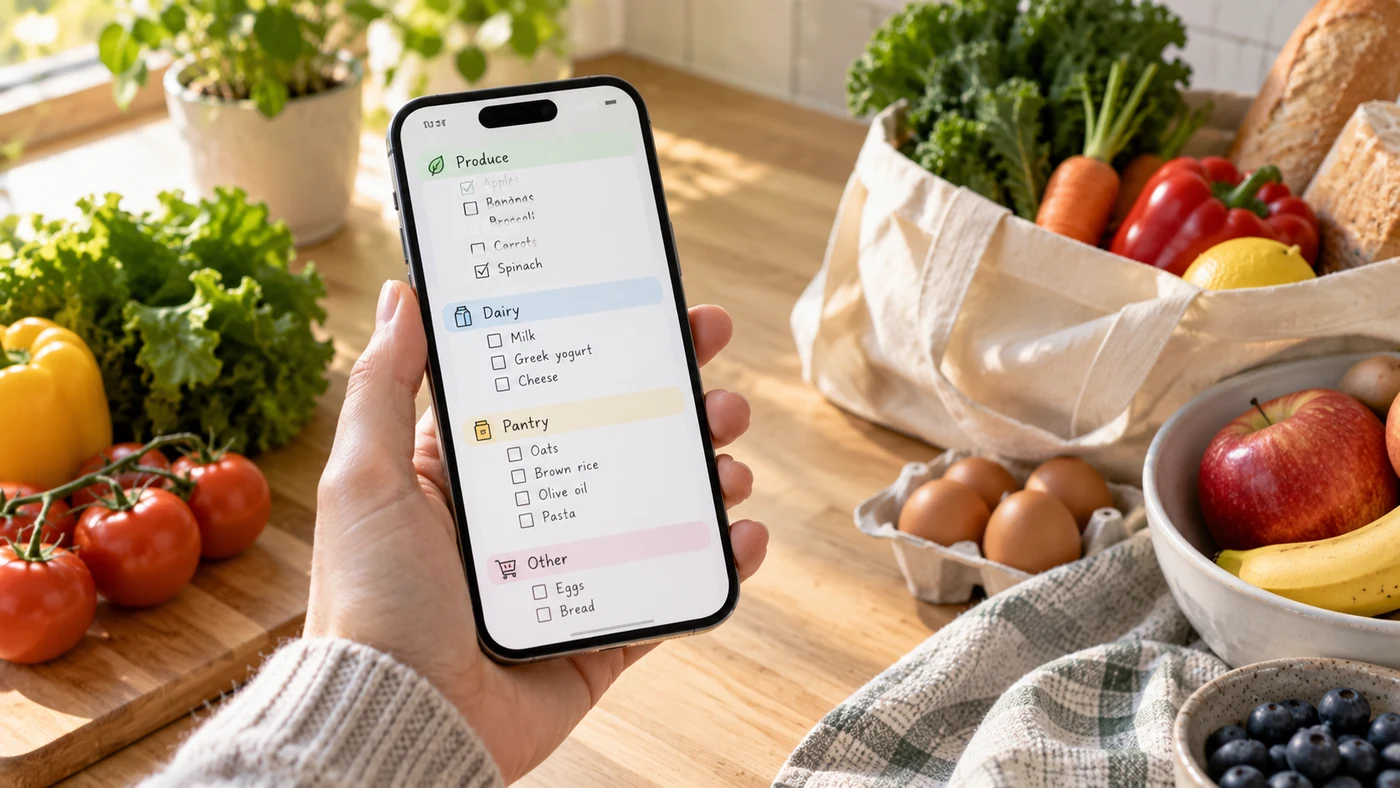
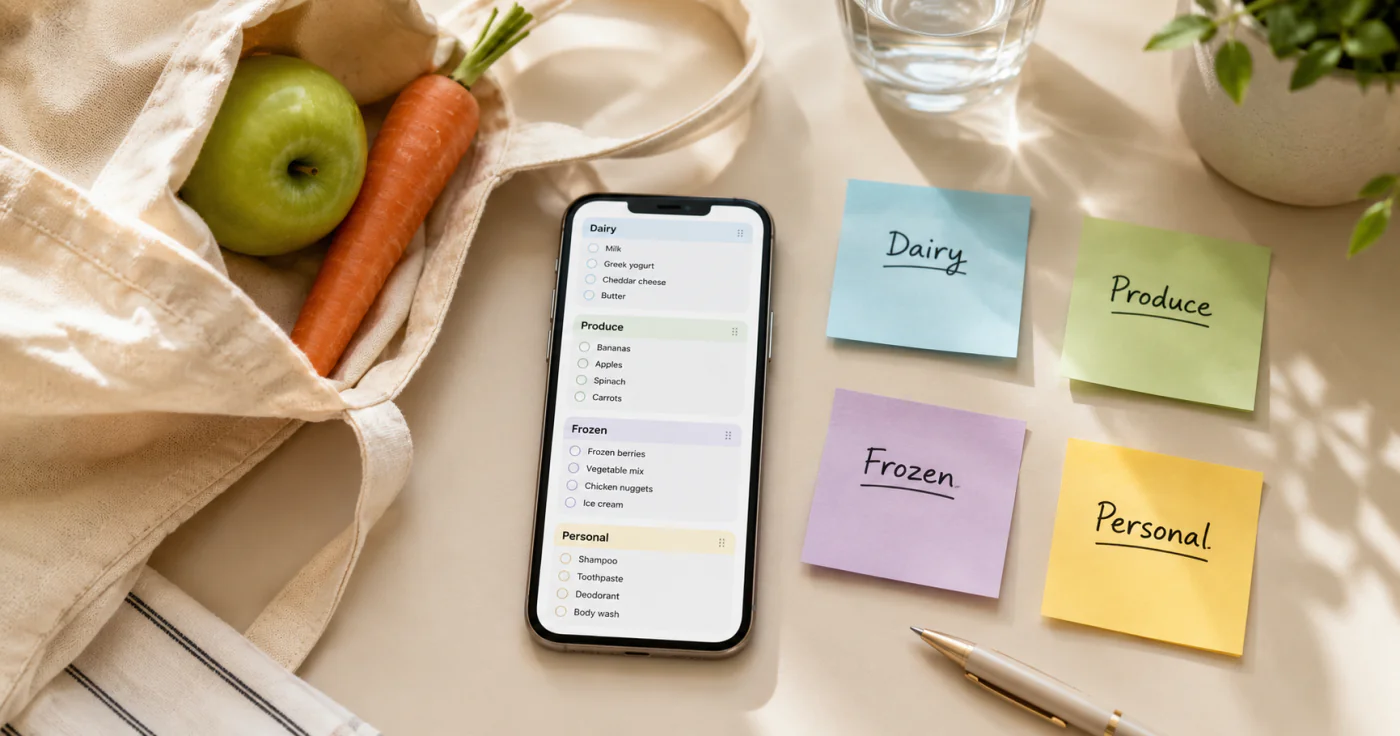
- Group items by category, not by recipe. Write produce together, dairy together, pantry together. Category grouping means you walk each aisle once instead of backtracking.
- Add non-food household items. Toilet paper, detergent, trash bags, pet food — these get forgotten precisely because they aren't "food." Put them on the same list.
- Keep the list on your phone. A list stuck on the fridge door fails the moment you're already at the store. A lightweight notes app like EasyNotes keeps the list in your pocket with checkboxes you tick as you shop and syncs it across your devices, so it's never left on the counter.
What to Put on a Grocery List (by Category)
Organizing your list by food group — rather than by recipe or by store — is the simplest way to make sure nothing slips through. The U.S. Department of Agriculture's MyPlate framework groups foods into Fruits, Vegetables, Grains, Protein, and Dairy[1], and a shopping list built on those same groups maps almost perfectly onto how a store is laid out. Use the table below as a starting point and delete what doesn't apply.
| Category | Typical items |
|---|---|
| Produce | apples, spinach, tomatoes, bananas, carrots |
| Dairy & Eggs | milk, cheese, yogurt, butter, eggs |
| Meat & Seafood | chicken, ground beef, salmon, shrimp |
| Bakery | bread, tortillas, bagels |
| Pantry | rice, pasta, canned beans, olive oil, flour |
| Frozen | berries, peas, frozen veggies, ice cream |
| Beverages | coffee, tea, juice, sparkling water |
| Household | detergent, toilet paper, paper towels, pet food |
Copy this starter list (paste into any notes app, then check off as you shop)
- Produce: apples, spinach, tomatoes, bananas, carrots
- Dairy & Eggs: milk, cheese, yogurt, butter, eggs
- Meat & Seafood: chicken, ground beef, salmon
- Bakery: bread, tortillas, bagels
- Pantry: rice, pasta, canned beans, olive oil, flour
- Frozen: berries, peas, frozen veggies, ice cream
- Beverages: coffee, tea, juice, sparkling water
- Household: detergent, toilet paper, pet food
Tip: keep this list open on your phone at the store and check items off as you shop.
Common Grocery List Mistakes (and How to Fix Them)
- Shopping without a list. You'll default to what's familiar and forget what you need. Fix: build the list before you're standing in the aisle.
- Never checking the pantry first. Result: two jars of peanut butter. Fix: step 1 above.
- No category grouping. You circle the store three times. Fix: group by aisle.
- Keeping it solo on paper. A paper list left on the counter can't follow you to the store. Fix: keep one running list on your phone.
FAQ
Start with what you're low on (milk, eggs, coffee), add ingredients for 3–4 planned meals, then household non-foods like detergent and toilet paper. Group everything by category — produce, dairy, pantry, frozen, household — so you shop each aisle once. A reusable staple section keeps the basics from slipping your mind.
Open a notes app, create a checklist, and type items grouped by category. Keep it open on your phone at the store rather than a paper copy you might leave on the counter. A shared-household app helps if more than one person shops, but a simple personal checklist already covers most people.
Build the list before shopping, group by category to avoid backtracking, and review the list at the store entrance the evening before if you tend to shop late. A digital list also lets you add items the moment you notice them low, so nothing waits until you've already forgotten it.
By category (produce, dairy, pantry) — it maps almost perfectly to store aisles and is easier to maintain than memorizing each store's layout. Most grocery list apps also auto-sort by category for you.
Conclusion
Making a grocery list is the fastest upgrade to your weekly routine — five minutes that save money, trips, and the "we're out of milk again" moment. Start with the category table above, keep it on your phone, and you'll shop calmer every time.
References
- U.S. Department of Agriculture. "MyPlate"